Blog

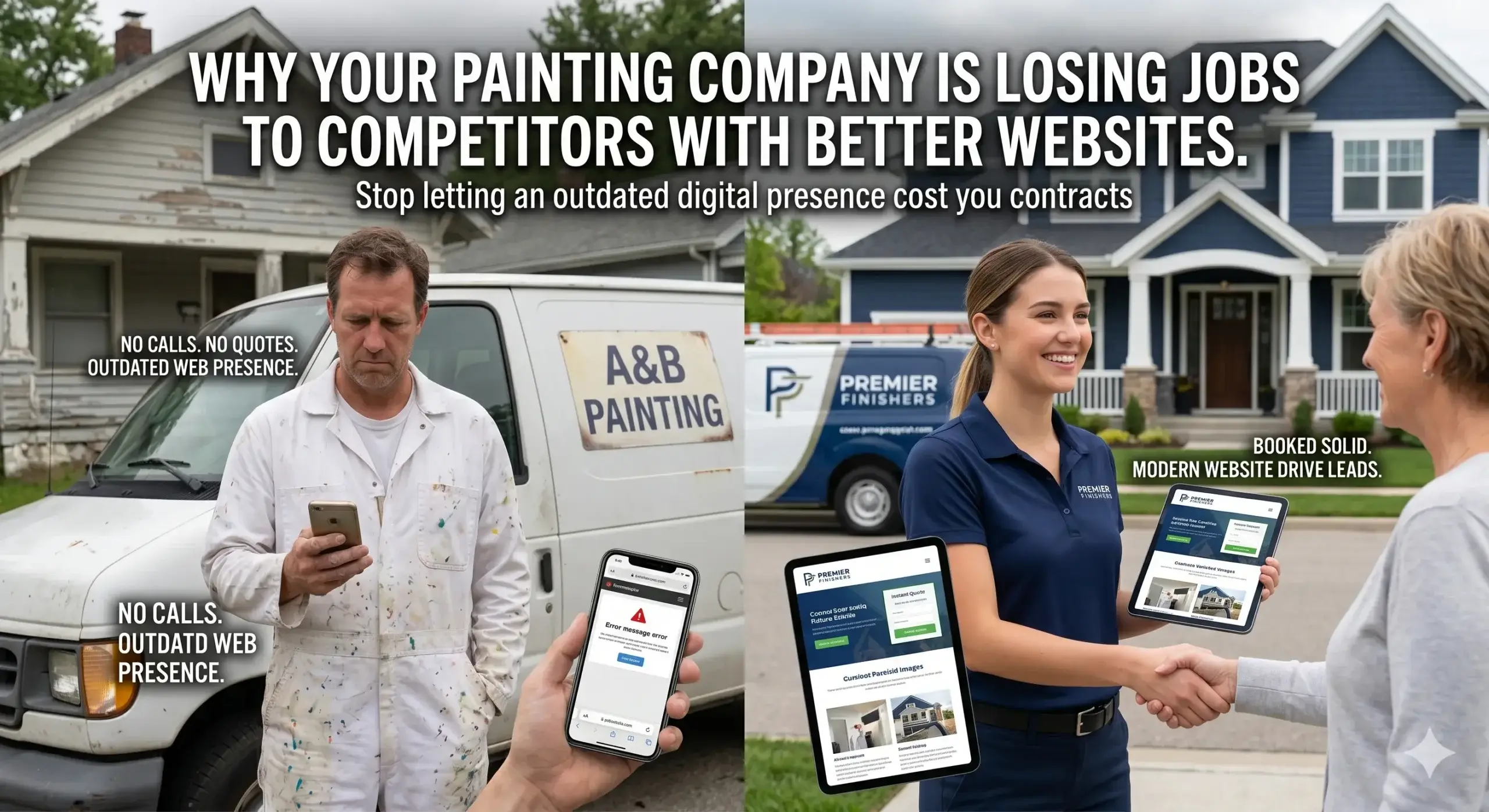
  • Why Your Dental Practice Is Losing Patients to Competitors Online

    Why Your Dental Practice Is Losing Patients to Competitors Online

    You spent years building a great practice. Your patients love you, your reviews are solid, and your team is trained. But when someone new moves into the neighborhood and searches for a dentist — they’re booking with someone else.

    It’s not because your competitor is a better dentist. It’s because their website does something yours doesn’t: it shows up, loads fast, and makes booking feel easy enough to do in 60 seconds from a phone.

    Most dental practice owners assume their website is “fine.” It loads. It has their phone number. It lists their services. But “fine” isn’t what wins patients in 2025 — and this article will show you exactly where the gap is, and what to do about it.


    Your Website Is Like Your Reception Area — And Right Now, It’s Sending Patients Away

    Think about what happens when a new patient walks into your office. If the waiting room is dim, the signage is confusing, and no one greets them within 30 seconds, they’re already second-guessing their choice.

    Your website is that first impression for every patient who finds you online — before they ever step through your door.

    The difference is: a patient who feels awkward in your waiting room will usually stay. A patient who lands on a slow, cluttered, or confusing website will leave in under 10 seconds — and book with whoever came up next in the search results.

    The problem isn’t that you have a website. It’s that your dental web page design may be quietly turning away the patients you worked hard to attract.


    Reason #1: You’re Not Showing Up When It Matters Most

    A potential patient types “dentist near me” or “family dentist in [your city]” into Google. Your practice doesn’t appear — or it shows up on page two, which almost nobody reaches.

    This isn’t random. Google uses dozens of signals to decide which dental practices to show first. One of the biggest? How well your website is structured and how clearly it signals to Google what you do and where you do it.

    Many dental websites were built years ago by a general web designer who had no understanding of how Google evaluates dental clinic web design. The result: a site that looks fine to humans, but is essentially invisible to search engines.

    What this costs you: Every day you’re not ranking, you’re handing 5, 10, or 20 potential appointment requests to the practice down the street.

    What Digital Trace does instead: every dental clinic website design we build is structured from day one to send Google exactly the right signals — your location, your services, your specialties — so you show up when high-intent patients are searching.


    Reason #2: Your Site Loads Too Slowly — And Patients Don’t Wait

    Here’s something worth knowing: most people browsing for a dentist are doing it on their phone, probably between meetings or while sitting in their car. If your website takes more than three seconds to load, a large portion of those visitors leave before they’ve seen a single word.

    The technical term is “page load speed.” The business reality is simpler: slow website = empty appointment slots.

    This happens because dental websites often use oversized images, outdated plugins, or cheap hosting that wasn’t designed for performance. No one told the original developer that speed is now a Google ranking factor and a patient conversion factor.

    💡 Pro Tip: The single biggest speed killer on most dental websites isn’t the design — it’s uncompressed images. A single hero photo of your practice, left at its original file size, can add 3–5 seconds to your load time. Compress every image before it goes on your site, or use a developer who handles this automatically. Your patients (and Google) will notice the difference.

    What Digital Trace does instead: every website we build is optimized for speed at the code level — not just visually. Compressed images, clean hosting, and performance testing before launch are standard, not add-ons.


    Reason #3: Visitors Land on Your Site — But Don’t Know What to Do Next

    Getting someone to your website is only half the battle. Once they’re there, your site has one job: make it effortless to book an appointment.

    Most dental websites fail here. The phone number is buried in a header. The “Book Now” button is missing from mobile. The services page talks about treatments in clinical language that means nothing to a nervous first-time patient.

    Think of it this way: a good dental web design works like a well-trained front desk coordinator. It anticipates what a new patient needs, answers their biggest worry (“will this hurt? do you take my insurance?”), and removes every reason they might hesitate before booking.

    A website that doesn’t do this isn’t neutral — it’s actively costing you revenue.

    Common conversion killers on dental websites:

    • No visible phone number or booking button on mobile
    • Service pages that use clinical terminology instead of patient-friendly language
    • No trust signals (reviews, credentials, before/after photos) above the fold
    • Contact forms that ask for too much information upfront
    • No clear answer to “do you accept new patients?”

    Reason #4: Google Doesn’t Know Enough About Your Practice to Trust It

    There’s a simple piece of code that most dental websites are missing — something called structured data (or schema markup). Without it, Google has to guess what kind of business you are, what services you offer, and whether you’re actually local to the patient searching.

    With it, Google gets a clear, confident signal: “This is a dental practice in [city], they offer these services, here’s their phone number and hours.”

    The result? Your practice is more likely to appear in the map pack — the three local results that show up with a map at the top of the search page. That map pack gets a significant share of all clicks for local searches.

    Most general web designers don’t implement this. Most dental website design companies that built your site five years ago didn’t prioritize it. And most dental practice owners have never heard of it — until they wonder why their competitor always shows up and they don’t.


    Real-World Example: From Invisible to Fully Booked

    Consider a general dentistry practice in suburban Ohio — three dentists, solid reviews, established for over a decade. Their website was built in 2018. It looked professional enough, but it was loading in over six seconds on mobile, had no local schema markup, and their main services page had no booking button.

    They were getting traffic — but almost none of it was converting into calls.

    After a full rebuild focused on dental practice web design — speed optimization, mobile-first layout, structured data, and conversion-focused service pages — the results were measurable within 90 days:

    • Mobile load time dropped from 6.4 seconds to under 1.5 seconds
    • Organic search visibility for local keywords increased substantially
    • Online appointment requests more than doubled compared to the same period the prior year
    • The front desk reported a noticeable drop in “how did you hear about us?” answers involving word of mouth — new patients were increasingly coming from Google

    The practice hadn’t changed. Their team, their services, their reputation — all the same. What changed was that their website finally reflected the quality of the practice behind it.


    Not sure if your website has these issues? Get a free website audit — no obligation, just a clear picture of what’s costing you leads.


    Your Path to More Patients: 5 Steps That Actually Move the Needle

    You don’t need to understand web development to fix this. Here’s the path forward in plain terms:

    1. Find out where you stand. Start with an honest look at your current website. How fast does it load on a phone? Does it appear in the local map pack for your key services? Is the booking process simple? A free audit answers all of this in minutes.

    2. Fix your speed first. Page speed affects both your Google ranking and whether visitors stay long enough to book. This is often the fastest win — and it doesn’t require redesigning your whole site.

    3. Make your site work for patients on mobile. More than half of dental searches happen on smartphones. If your website isn’t built mobile-first, you’re losing patients to competitors whose sites are.

    4. Add clear, low-friction calls to action. Every page of your website should make it obvious how to book, call, or ask a question. If a visitor has to search for your phone number, you’ve already lost them.

    5. Work with a dental-specific web design team. A general web designer can build a good-looking site. A team that specializes in custom dental websites understands patient psychology, local SEO, and the conversion triggers specific to dental practices — and builds all of that in from the start.


    Frequently Asked Questions

    Why am I not getting calls from my website even though I have one?

    Having a website and having a website that generates calls are two completely different things. Most dental websites were built to look good, not to rank on Google or convert visitors into booked appointments. If your site loads slowly, isn’t optimized for local search, or makes it hard to book on a phone, you’ll get traffic but no calls.

    How do I know if my dental website is actually working for my practice?

    The easiest test: call your own office number from Google Maps, then look at how many appointment requests you’re getting through your website compared to that foot traffic. If the gap is large, your site isn’t converting. A free website audit will give you a specific breakdown of what’s broken and what to fix first.

    How long does it take to see results after a new dental website launches?

    Most practices start seeing measurable improvements in local search visibility within 60–90 days of launching a properly built site. Speed and conversion improvements are often immediate — patients who were leaving without calling will start booking once the friction is removed.

    What makes a dental website different from a regular business website?

    Patients choosing a dentist are making a trust-sensitive decision — they’re anxious, they’re comparing options, and they need specific reassurance before they’ll book. Good dental web page design addresses that psychology directly: it shows credentials, answers common patient fears, highlights insurance acceptance, and makes booking feel simple and safe. A generic business website template doesn’t account for any of that.

    Do I really need a fast website if my patients are mostly local anyway?

    Yes — and this is one of the most common misconceptions. Google uses page speed as a ranking factor for local search specifically. A slow site can drop you out of the local map pack entirely, meaning local patients searching right now may never even see you. Speed isn’t a luxury feature; it’s table stakes for local dental SEO.

    I’ve been burned by a web agency before. How is this different?

    That’s a fair concern, and it’s common in this industry. The difference comes down to specialization and transparency. Digital Trace builds websites specifically for dental practices — not restaurants, law firms, and everyone else. Before any work starts, a free audit gives you a clear, honest picture of exactly what’s wrong with your current site — no vague promises, no hidden upsells.


    Stop Letting Your Website Cost You Patients

    Every week your website sits the way it is, it’s not neutral — it’s actively sending potential patients to your competitors. The good news is these problems are fixable, and the fixes are measurable.

    If you’re a dental practice owner in the US wondering why your phone isn’t ringing the way it should be, the answer is almost certainly in your website.

    Get your free website audit today — we’ll look at your site, show you exactly what’s costing you leads, and give you a clear picture of what a better-performing dental web page design could do for your practice. No risk. No obligation. Just answers.


  • Top 10 Features Every Dental Office Website Must Have in 2026

    Top 10 Features Every Dental Office Website Must Have in 2026

    You just spent thousands of dollars on a new website. It looks clean, has your logo, lists your services, and shows smiling patients. So why isn’t the phone ringing?

    Most dental practice owners assume a website that looks good is working. It isn’t — not if it’s missing the right features. Patients searching for a dentist in your area right now are landing on your site, not finding what they need in the first few seconds, and clicking straight to your competitor down the street.

    Good dental web design isn’t about aesthetics. It’s about turning website visitors into booked appointments. This guide breaks down the 10 features that separate a dental website that actually drives revenue from one that just takes up space. By the time you finish reading, you’ll know exactly where your site is leaking patients — and what to do about it.


    1. A “Book Now” Button Patients Can Actually Find

    The problem: Your phone number is buried in the footer, or your “Contact Us” page requires filling out a five-field form before anything happens. Patients decide within seconds whether to stay or leave.

    Why it matters: People searching for a dentist are often in pain, anxious, or juggling a packed schedule. They want to book fast. If your call-to-action isn’t visible the moment the page loads — on every page, on every device — they’re gone.

    The fix: Every page on your dental website should have a clickable phone number and a visible “Book Appointment” button above the fold (the part of the screen patients see without scrolling). On mobile, that number should tap to call instantly.


    2. A Website That Loads in Under 3 Seconds

    The problem: Your site loads in 6 seconds. That’s not a technical statistic — that’s the sound of a patient clicking “back” before they ever see your phone number.

    Why it happens: Oversized images, bloated code, cheap hosting. Most templated dental websites are stuffed with visual extras that look nice in previews but drag performance down in real use.

    The real cost: Search engines factor speed into how they rank your site. A slow website gets pushed further down in results, and the patients who do land on it leave before converting. It’s a double loss.

    At Digital Trace, every website built for dental clinic businesses is performance-optimized from the start — not patched afterward.


    3. Mobile-First Design (Not Just “Mobile Friendly”)

    The problem: Your site looks decent on a desktop. But over 60% of local dental searches happen on a phone, and on a 6-inch screen, your site turns into a confusing mess of tiny text and overlapping buttons.

    “Mobile friendly” vs. mobile-first: A mobile-friendly site is a desktop site that’s been squeezed down. A mobile-first site is designed specifically for the way patients actually browse — with thumbs, on small screens, in waiting rooms and parking lots.

    What to check: Pull up your site on your phone right now. Can you read the text without zooming? Can you tap the phone number without hitting the wrong link? Is the navigation simple enough to use with one hand? If the answer to any of those is “no,” you’re losing patients every day.


    4. Local SEO Built Into the Site — Not Added as an Afterthought

    The problem: You’ve got a great practice, but when someone nearby Googles “dentist near me,” your name doesn’t show up. Your competitor three blocks away does.

    Why Google can’t find you: Your website doesn’t clearly communicate your location, services, and practice details in a way search engines can read and trust. There’s no technical backbone telling Google, “This is a dental office at this address, serving these patients, offering these treatments.”

    The plain-English fix: Your site needs proper local signals — your city name in the right places, your Google Business Profile connected, and structured data (a behind-the-scenes code tag) that tells Google exactly what your practice offers and where you’re located. This is standard in dental practice web design done right.


    5. Patient Testimonials and Reviews — Displayed Prominently

    The problem: You have 80 five-star Google reviews. They’re not on your website. A patient lands on your site for the first time and has no social proof that you’re trustworthy.

    Think of it this way: Choosing a dentist is like choosing a surgeon — patients are putting their health (and often their fear) in your hands. They need to see that other real people trusted you and had a good experience before they pick up the phone. Your website is your front desk. If it’s cold and gives nothing away, patients walk out.

    What works: Real patient quotes with first names, star ratings pulled from Google or other platforms, and before/after photos (with consent). The more specific and human the testimonials, the more they convert.


    💡 Pro Tip

    The most common mistake dental websites make: Listing services without explaining them in patient language.

    Writing “endodontics” instead of “root canal treatment” — or “restorative dentistry” instead of “fillings and crowns” — means patients searching for what they actually need can’t find you. Google matches what people type. If your site uses clinical terms your patients don’t search for, you’re invisible to them. Audit every service page and rewrite it the way a nervous, first-time patient would describe the problem to a friend.


    6. An Online Booking System That Actually Works

    The problem: Your website says “call us to book.” Patients in 2026 don’t want to call during business hours and wait on hold. They want to book at 10 PM from their couch.

    The opportunity: Practices that offer real-time online booking consistently see more appointment requests outside business hours — often 30–40% of their weekly bookings. That’s revenue that would have gone to competitors with a book-now button.

    What to look for: Integrate a booking tool that connects directly to your schedule, sends automated confirmations, and allows patients to select their preferred provider, service, and time — all without anyone picking up the phone.


    7. A Dedicated Page for Each Core Service

    The problem: All your services — cleanings, Invisalign, implants, whitening — are crammed onto one “Services” page. No patient can find what they’re looking for, and Google can’t rank you for any of it.

    Why this kills your search rankings: If a patient searches “dental implants [your city],” Google needs a full page dedicated to that topic to feel confident ranking your site for it. One paragraph on a catch-all services page isn’t enough.

    The fix: Create individual, detailed pages for every major treatment. Each page should explain the procedure in plain language, answer common patient questions, include before/after results where possible, and have a clear call-to-action to book.


    8. HIPAA-Compliant Contact and Intake Forms

    The problem: Your contact form uses a generic plugin that stores patient submissions on unencrypted servers. You might not even know this is happening — but if a patient submits their name, date of birth, or insurance information through an unsecured form, you’ve got a compliance problem.

    Why it matters beyond legality: Patients who trust you enough to fill out a form online deserve to have that trust protected. A secure, HIPAA-compliant form is also a trust signal — it shows you take patient privacy seriously.

    The fix: Work with a dental website design company that knows HIPAA requirements and builds forms that encrypt submissions and don’t store sensitive data in third-party platforms without proper agreements in place.


    9. Clear, Human “About Us” and Team Pages

    The problem: Your team page has stock photos and two sentences per doctor. Patients click away without feeling any connection.

    The truth about dental marketing: People choose their dentist based almost entirely on trust and comfort. Your website is the first handshake. If it feels impersonal or corporate, patients will keep looking until they find a practice that feels human.

    What converts: Real photos of your team (not stock). Doctor bios that mention why they got into dentistry, not just their credentials. A practice story that answers “why should I trust you with my family’s teeth?” A short welcome video from the dentist is worth more than a thousand words of polished copy.


    10. Analytics and Tracking So You Know What’s Working

    The problem: You have no idea how many people visit your site each month, where they come from, which pages they read, or how many of them pick up the phone after.

    Why this is costing you money: If you don’t know what’s working, you can’t improve what isn’t. Most dental practices are paying for marketing with no visibility into whether it’s converting. That’s not a marketing strategy — it’s guesswork.

    What to set up: At minimum, Google Analytics and call tracking. At best, a dashboard that shows you every month how many leads came from your website, which services they were looking for, and where they dropped off. Good dental web design includes tracking from day one — not bolted on later.


    Real-World Result: How One Dental Practice Turned Its Website Into a Lead Machine

    Sunrise Family Dental, a mid-sized practice in suburban Ohio, had a website that looked professional but wasn’t generating new patients. They were getting traffic — around 900 visitors per month — but the phone calls weren’t following. Front desk staff reported that many new patients said they’d found the practice online but almost didn’t call because “the website looked old.”

    After a full redesign focused on mobile performance, local SEO, individual service pages, and a real online booking system, the results shifted significantly:

    • Website load time dropped from 7.2 seconds to 1.8 seconds
    • Monthly appointment requests from the website increased by 68% in 90 days
    • Google search ranking for “family dentist [city]” moved from page 3 to top 5 of page 1
    • Online bookings now account for 44% of all new patient appointments

    The practice hadn’t changed anything about the quality of their care. They just stopped making it hard for new patients to find them, trust them, and book.


    Not sure if your dental website has these same issues? Get a free website audit — no obligation, just a clear picture of what’s costing you new patients right now.


    Your Path to More Leads: 5 Steps to Take Right Now

    You don’t need to overhaul everything overnight. Here’s a practical sequence that works:

    1. Pull up your site on your phone. If you struggle to find the phone number or book button in 10 seconds, your patients do too.
    2. Google your practice name + your city. Check how your listing looks, whether your hours are correct, and whether reviews are showing.
    3. Check your page speed. Use Google’s free PageSpeed Insights tool and note your score. Under 50 on mobile is a red flag.
    4. Count your service pages. If you have one catch-all services page, you’re likely invisible for most of your high-value treatments.
    5. Get a professional audit. Have an expert review the full picture — technical performance, local SEO, conversion paths, and patient experience — in one sitting.

    Frequently Asked Questions

    Why am I not getting calls from my website even though I get visitors?

    Traffic without calls usually means one of three things: patients can’t find your contact info fast enough, the site doesn’t feel trustworthy enough for them to act, or you’re attracting the wrong visitors because your content isn’t specific to the services you want to book. An audit will pinpoint exactly where the disconnect is.

    How do I know if my dental website is actually working?

    If you don’t have call tracking and Google Analytics set up, you genuinely don’t know — and most dental practice owners don’t. A working dental website should show you monthly new visitor counts, where they came from, which pages they viewed, and how many called or booked. Book a free audit and we’ll show you what your site’s data looks like right now.

    How long does it take to see results from a new dental website?

    Local SEO improvements typically start showing measurable changes within 60–90 days of launch. Conversion improvements (more calls per visitor) can happen immediately after a redesign. A realistic timeline for meaningful new patient growth from a properly built site is 3–6 months, with steady gains after that.

    What makes a dental clinic website different from a regular business website?

    A dental website has to do several things a standard business site doesn’t: communicate trust on a deeply personal level, comply with healthcare privacy standards, rank for hyper-local and treatment-specific searches, and convert anxious patients who are on the fence. General web designers often miss these nuances. Dental-specific design considers all of them from the start.

    Do I really need a fast website if my patients are local?

    Yes — especially because they’re local. Local searchers are often on mobile, searching in the moment, and comparing multiple practices in minutes. A slow site means they bounce before they see your value. Speed also directly impacts how high you rank in local Google results, so it affects whether patients even land on your site in the first place.

    Can’t I just use a cheap template website from a dental marketing company?

    Template sites get you online fast, but they’re built for one goal: selling templates. They’re rarely optimized for your specific location, service mix, or conversion goals. Many also load slowly, have duplicate content across hundreds of similar sites, and give Google no reason to rank yours above the next practice using the same template. Custom dental websites built around your actual patients and market consistently outperform them.


    Ready to Find Out What Your Website Is Costing You?

    Every week your dental website sits with these problems unfixed, patients who found you online are booking somewhere else. It’s not dramatic — it’s just math.

    Digital Trace specializes in building high-converting dental clinic websites for practices across the US. We combine fast, custom design with local SEO, patient-first copywriting, and the technical foundations that turn website visitors into booked appointments.

    Get your free website audit now →

    No hard sell. No obligation. Just a clear, honest look at what your current site is doing — and what it should be doing instead.

  • How to Get More Patients with a Better Dental Clinic Website Design

    How to Get More Patients with a Better Dental Clinic Website Design

    You spent real money on your dental clinic. The chairs, the equipment, the staff — it all adds up. But when someone in your city searches “dentist near me” tonight and lands on your website, do they stay and book? Or do they leave in seconds and call your competitor?

    Most dental clinic owners assume their website is “fine.” It loads, it has their phone number, it mentions their services. But “fine” doesn’t fill your schedule — and the gap between a website that exists and one that actually converts patients is costing practices thousands of dollars in lost appointments every month.

    This article breaks down exactly what separates a high-performing dentist website design from a digital waiting room no one sits in — and what you can do about it.


    Your Website Has 3 Seconds. Most Dental Sites Waste All of Them.

    Think about the last time you looked up a dentist. If the site took forever to load, you hit the back button. You didn’t wait around. Your potential patients do the exact same thing.

    Here’s the problem: most dental websites are bloated. Oversized images, outdated code, cheap hosting — all of it adds seconds to your load time. And every extra second cuts your chance of keeping that visitor roughly in half.

    This isn’t a minor detail. A slow website is like having your front desk phone ring 10 times before anyone picks up. Patients don’t leave a voicemail — they call the next dentist on the list.

    What good dental web design looks like instead: Pages that load in under 2 seconds, images optimized without losing quality, and hosting that doesn’t drag. At Digital Trace, every dental website is built for speed from the ground up — because speed is the first thing that keeps patients on your page.


    If Your Site Doesn’t Work on a Phone, You’re Losing Half Your Patients

    More than half of dental searches happen on a smartphone. Someone’s at work, their tooth hurts, they pull out their phone and search. If your website is hard to read, requires pinching and zooming, or has a phone number that can’t be tapped — that patient is gone.

    This is called mobile responsiveness, but ignore the term. What it really means: does your site look and work great on a phone, the same way it does on a desktop? For most older dental websites, the honest answer is no.

    A non-mobile-friendly site doesn’t just frustrate visitors — Google actually ranks you lower in search results because of it. So you’re invisible to the patient AND hard to use if they somehow find you.

    What to look for: Pull up your own website on your phone right now. Can you tap the phone number with one thumb? Is the text readable without zooming? Is there a clear “Book Appointment” button above the scroll? If not, that’s a problem worth fixing today.


    Google Doesn’t Know Enough About Your Practice to Trust It

    Here’s something most dental website companies never tell you: Google isn’t just looking at your website — it’s trying to understand your business. Is this a real dental practice? Where exactly is it located? What services does it actually offer? Does it serve pediatric patients, or is it strictly cosmetic?

    When Google can’t answer those questions confidently from your site, it won’t rank you confidently in search results.

    There’s a behind-the-scenes layer of code — called structured data — that tells search engines exactly who you are, where you are, what you do, and how patients can reach you. Most dental websites don’t have it. That means you’re relying on Google to guess, and Google doesn’t guess in your favor when there’s a competitor whose site makes it easy.

    The real-world result: Your practice might be excellent, but if Google isn’t sure you’re relevant to “family dentist in [city],” your competitor — who might be less experienced — shows up first. Structured data is one of the fastest wins in dental web development, and it’s something Digital Trace builds into every site.


    💡 Pro Tip: Your Homepage Headline Is Costing You Patients

    Walk through any dental clinic website and you’ll likely see a headline that says something like: “Quality Dental Care for the Whole Family.”

    That line tells a patient nothing they couldn’t assume about any dentist. It doesn’t mention your city, your specialty, your unique offer, or why they should pick up the phone right now.

    Your homepage headline is the first thing a visitor reads — and it’s your one shot to make them feel like they found the right place. A strong headline for dental clinic web design might look like: “Accepting New Patients in [City] — Same-Week Appointments Available.” That’s specific. That’s reassuring. That’s a reason to stay and scroll.

    The fix isn’t design — it’s messaging. Work with a team that understands what dental patients are actually thinking when they land on your site.


    No Clear Path to Book = No Booking

    Imagine walking into a dental office and nobody at the front desk acknowledges you. You stand there, looking around, unsure if you’re in the right place. Eventually, you leave.

    That’s what happens on a dental website with no clear call-to-action. Visitors land on the page, look around, and if they can’t immediately find a way to book or call — they leave. No call. No appointment. No revenue.

    Common mistakes on dental clinic websites:

    • The phone number is only in the footer, not at the top of every page
    • There’s no “Book Now” or “Request Appointment” button visible without scrolling
    • The contact form is buried three clicks deep
    • Online booking isn’t offered at all, even though patients now expect it

    Every page of a dental website should have one clear job: get the visitor to take an action. Book. Call. Fill out a form. If your pages aren’t structured around that goal, they’re just information — and information alone doesn’t book appointments.

    What a custom dental website from Digital Trace looks like: Every page is built with a conversion path — a clear, natural flow that moves the visitor from “I found this dentist” to “I just booked an appointment.”


    What Happened When a Dental Practice in Texas Fixed These Problems

    Consider a general dental practice in the Dallas suburbs. They’d been in business for 11 years. Their website was built in 2018 by a local freelancer — it had a nice logo, a photo of the waiting room, and a contact form somewhere at the bottom.

    New patient calls were averaging around 12–15 per month from the website. Their Google Business Profile was active, but their organic website traffic was low. They were running a small Google Ads budget with inconsistent results.

    They came to Digital Trace with one question: “Why isn’t our website bringing in more patients?”

    After a full website audit, the issues were clear:

    • Pages loaded in 6–8 seconds on mobile
    • The site had no structured data for local dental services
    • The homepage headline hadn’t been updated in four years
    • There was no online booking option — just a form with a 48-hour response time
    • The site was technically not mobile-friendly on newer devices

    After rebuilding the site with a focus on speed, mobile performance, clear CTAs, and proper local SEO structure, monthly new patient inquiries from the website rose to 40–55 per month within 90 days. The practice added same-day and next-day booking, which alone reduced the number of patients who left the form without submitting.

    Not sure if your dental website has these same issues? Get a free website audit — no obligation, just a clear picture of what’s costing you leads.


    Your Path to More Patients: 5 Steps That Actually Work

    You don’t need to overhaul everything overnight. Here’s a clear starting point:

    1. Test your site on your own phone. Open it like a new patient would. Is it fast? Can you tap the phone number? Is there a visible “Book” button? If the answer to any of those is no, that’s your first fix.
    2. Check your homepage headline. Does it mention your city and what kind of dentist you are? Does it give someone a reason to stay on the page? If it’s generic, rewrite it.
    3. Put your phone number everywhere. Top of every page. Clickable on mobile. Not just in the footer.
    4. Add online booking or a fast-response form. Patients expect to book at 10pm. If you don’t offer that, some of them will find a practice that does.
    5. Get a professional audit. You may not be able to see every issue on your own site — especially the technical ones that hurt your Google rankings. A free audit from Digital Trace gives you a full picture of what’s working, what isn’t, and what to fix first.

    Frequently Asked Questions

    Why am I not getting calls from my website even though I’m on Google?

    Being on Google and converting visitors into callers are two different things. Your site might be getting traffic but losing those visitors because of slow load times, unclear calls to action, or a design that doesn’t build trust quickly enough. Getting found is step one — but your website has to close the deal once someone lands on it.

    How do I know if my dental clinic website is actually working?

    If you don’t know your website’s monthly visitor count, how long people stay, and how many contact form submissions or calls come from the site — you have no way to answer that question. A basic analytics setup (which every site should have) tells you exactly what’s working. If you’ve never looked at this data, start there — or book a free website audit and we’ll walk you through what we find.

    How long does it take to see results from a new dental website?

    Speed improvements and conversion fixes — like better CTAs, mobile layout, and page load time — can show results within the first 30 days. SEO improvements typically take 60–120 days to reflect in search rankings, depending on your market. A well-built site compounds over time: better rankings, more traffic, more patients.

    What makes a dental website different from a regular small business website?

    Patients are making health decisions, not purchasing decisions. That changes everything about how a site should be structured. Trust signals matter more — credentials, photos of real staff, reviews, and clear information about what to expect at the first visit. The booking path needs to feel easy and private. And local SEO for dental practices has specific requirements around structured data, service pages, and Google Business alignment that most generic web designers don’t know.

    Do I really need a fast website if most of my patients come from referrals?

    Referrals are valuable, but they still Google you before they call. A slow or outdated website can undermine a referral — if someone’s friend recommended you, but your website looks like it hasn’t been touched since 2015, that doubt plants itself. A strong site validates the referral. It also means you’re not exclusively dependent on word of mouth to grow.

    What does a dentist website design agency actually do differently than a freelancer?

    A freelancer can build you a site that looks good. An agency that specializes in dental website design and marketing builds a site that performs — meaning it loads fast, converts visitors, ranks in local search, and gives you data to make decisions. Digital Trace focuses specifically on healthcare and local service businesses, which means we’re not learning your industry on your budget.


    Ready to See What Your Website Is Really Costing You?

    Most dental clinics are leaving 20–40 new patient inquiries on the table every month — not because of their service, their team, or their location, but because of a website that quietly fails the people who were ready to book.

    There’s no risk in finding out. Digital Trace offers a free, no-pressure website audit for dental practices across the US. We’ll look at your site the way a new patient and Google both see it — and show you exactly what’s costing you leads right now.

    Claim your free website audit →

    No sales pitch. No commitment. Just a clear, honest look at what’s working and what needs to change.

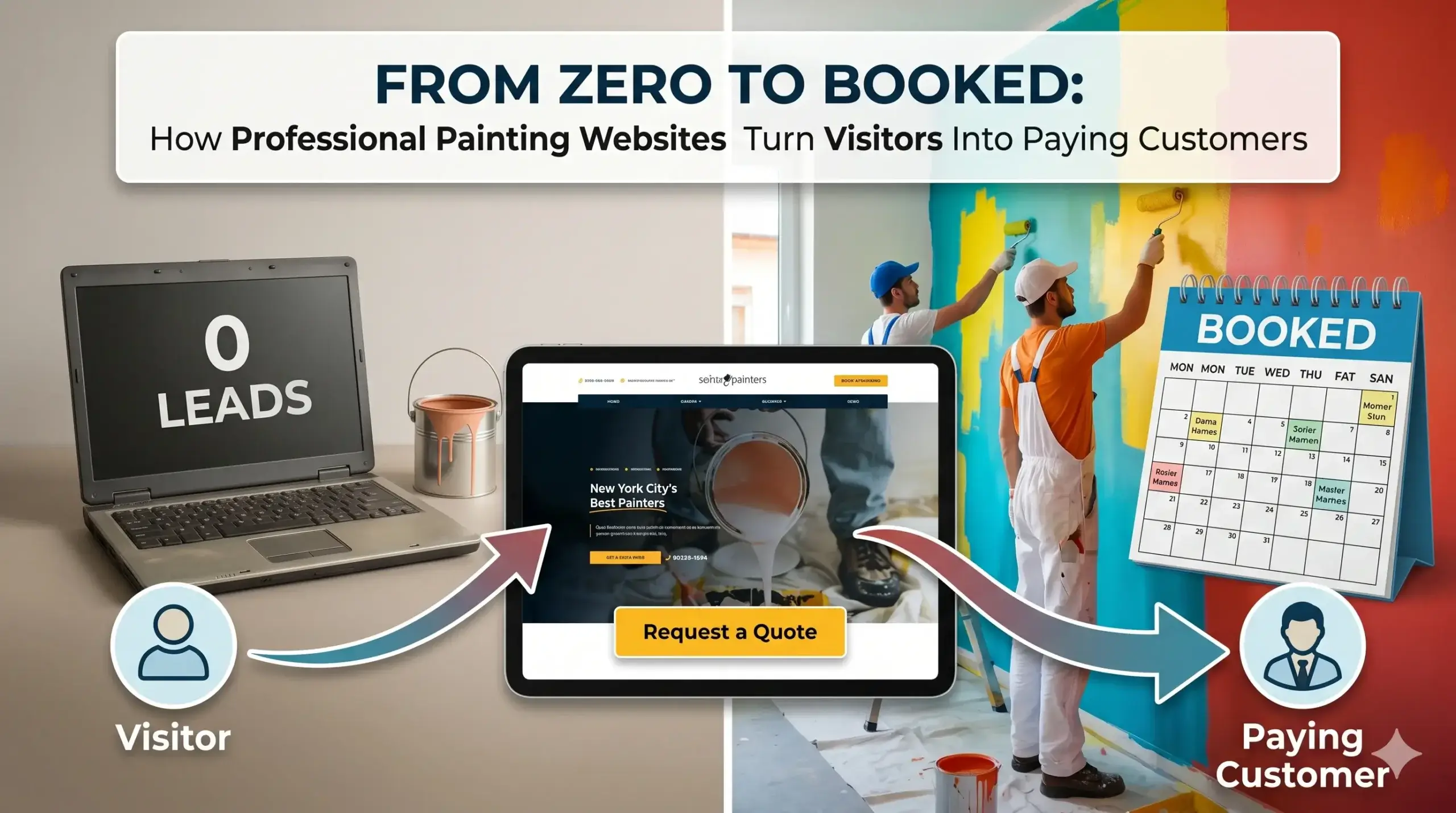
  • From Zero to Booked: How Professional Painting Websites Turn Visitors Into Paying Customers

    From Zero to Booked: How Professional Painting Websites Turn Visitors Into Paying Customers

    You finished a beautiful exterior repaint last week. The homeowner was thrilled. You took photos, shook hands, and moved on to the next job. But when that homeowner’s neighbor searched “exterior house painter near me” two days later — your name never showed up.

    That’s not a lead generation problem. That’s a website problem.

    Most painting business owners think their website is just a place to list their services and phone number. But a professional painting website is actually your hardest-working salesperson — one that either earns you jobs around the clock or quietly loses them to a competitor while you’re on a ladder.

    This guide breaks down exactly what separates a painting website that sits there looking pretty from one that actually fills your schedule.


    Why Your Website Looks Fine but Your Phone Stays Silent

    Here’s a frustration that’s more common than you’d think: you spent money on a website, it looks decent enough, but it’s not producing calls.

    The problem usually isn’t how it looks — it’s how it performs behind the scenes.

    Think of your website like the outside of a freshly painted house. If the prep work underneath was skipped — bare wood, cracks unfilled, primer missed — the paint won’t stick no matter how good it looks on day one. A website with poor technical foundations is the same story. It might look fine, but Google won’t trust it, and visitors won’t stay long enough to contact you.

    What actually kills your call volume:

    • Pages that take more than 3 seconds to load (most visitors leave before they ever see your phone number)
    • No clear call-to-action above the fold — visitors don’t know what step to take next
    • A site that looks broken on phones (where most of your potential customers are searching)
    • Generic service descriptions that could apply to any contractor — nothing that says why you specifically

    These aren’t cosmetic issues. Each one is a paying customer who clicked away.


    The Mobile Problem That’s Costing You Jobs Right Now

    When a homeowner sees peeling paint on a Saturday afternoon and pulls out their phone to search for a painter, your site has about 8 seconds to convince them to call you.

    Most painting websites fail this test completely.

    A site that isn’t built for mobile makes everything harder: tiny text, buttons that don’t tap correctly, images that push the layout sideways, and a phone number buried at the bottom. The homeowner taps back and calls whoever came up next.

    What a mobile-ready painting website actually includes:

    • A tap-to-call button that works the instant someone lands on the page
    • Fast-loading photos of your actual work (compressed without losing quality)
    • A short, clear sentence at the top that answers: What do you do, who do you serve, where are you located?
    • A simple contact form that works on any screen size

    This is where websites built for painting businesses are fundamentally different from generic templates. A contractor-specific build puts the call button first, not as an afterthought.


    Google Doesn’t Know Enough About Your Business to Show It

    You might have a perfectly nice website — and still never appear when someone in your area searches for a painter.

    The reason is simple: Google needs specific signals to confidently show your business in search results. Without them, it doesn’t know where you work, what you specialize in, or whether you’re a legitimate, active business.

    This isn’t a traffic problem. It’s a trust problem — and it’s fixable.

    What Google needs to trust your painting website:

    • Your service area clearly named in your content (not just in your footer)
    • Separate pages or sections for each core service — interior painting, exterior painting, cabinet refinishing, etc.
    • Your business name, address, and phone number formatted consistently everywhere
    • Structured data (a piece of code that tells Google: “This is a local painting business, here are their hours, here’s their service area”) — this one change alone can meaningfully improve how often you show up

    💡 Pro Tip: One of the most common mistakes painting businesses make is having a single “Services” page that lists everything in one block of text. Google prefers individual pages for each service — one for interior painting, one for exterior, one for commercial painting. This isn’t about stuffing your site with content. It’s about giving Google a clear, organized picture of exactly what you offer so it can match you to the right searches. This one structural change is often the difference between appearing on page one and never appearing at all.


    What Visitors Are Judging Before They Ever Call You

    When someone lands on your painting website, they’re not just reading your services. They’re deciding whether to trust you with their home.

    That decision takes about 5 seconds — and it’s mostly visual and emotional, not logical.

    What builds instant trust on a painting website:

    • Real photos of your finished work (not stock images of paint cans or brushes)
    • A short section about you — your name, how long you’ve been in the business, what makes your work different
    • Visible reviews with real names and specific details (“Mike repainted our entire first floor in two days — impeccable trim work”)
    • A simple guarantee or clear statement of how you protect the homeowner’s property during a project

    Missing any of these, and a visitor’s instinct is to keep searching. Not because your work isn’t good — but because they can’t tell.


    Before & After: From a Slow Site to a Full Schedule

    The Situation: A residential painting company in the Southeast had been in business for nine years. Their work was excellent — steady word-of-mouth kept them running — but they’d hit a ceiling. Their website hadn’t been touched in four years, loaded slowly on phones, had no individual service pages, and their contact form wasn’t even working correctly.

    The Problems: They were invisible in local searches. Competitors with newer sites were capturing the homeowners actively searching online — the exact customers most likely to book quickly. The owner estimated he was missing 8–12 inquiries a month based on what he heard from neighbors and referrals who said they “couldn’t find” his site.

    What Changed: Their site was rebuilt with mobile performance as the priority. Each core service got its own dedicated page optimized for local searches. A tap-to-call button went front and center. Real project photos replaced the stock imagery. Customer reviews were pulled in prominently. The contact form was rebuilt and tested across devices.

    The Result: Within 60 days, inbound calls from the website more than doubled. By month three, they were booking two to three weeks out consistently — without spending a dollar on ads. The owner described it simply: “The phone just started ringing from people I’d never met.”


    Not sure if your painting website has these issues? Get a free website audit — no obligation, just a clear picture of what’s costing you leads.


    Your Path to More Leads: 5 Steps That Actually Work

    You don’t need to become a web expert. You just need the right foundation. Here’s what the path forward looks like:

    1. Audit what you have now. Find out what’s actually broken — load speed, mobile layout, missing local signals, dead contact forms. You can’t fix what you haven’t measured.

    2. Build service-specific pages. Each major service you offer deserves its own page. Interior painting. Exterior. Commercial. Deck staining. Each one is a separate chance to show up in search.

    3. Load real proof. Add project photos, customer reviews with names, and a short paragraph about who you are. Trust is built before someone calls — your site needs to do that work.

    4. Make contact effortless. One visible phone number. One tap-to-call button. One short form. The easier it is to reach you, the more people will.

    5. Work with someone who knows contractor businesses. Generic web agencies build generic websites. A team that understands how Digital Trace builds painting websites knows what local homeowners are looking for — and how to position you as the clear choice.


    Frequently Asked Questions

    Why am I not getting calls from my painting website?

    The most common reasons are a slow load time (people leave before the page finishes), no clear call-to-action visible immediately, or your site simply isn’t appearing in searches because Google doesn’t have enough local signals to trust it. Usually it’s a combination of all three, not just one.

    How do I actually know if my painting website is working?

    If your website is working, you should be able to trace inbound calls and contact form submissions directly to it. If you’re not tracking that, you have no idea what’s working. A quick audit will tell you within minutes whether your site is attracting traffic, keeping visitors, and prompting them to reach out — book a free review here.

    How long does it take to see results from a new painting website?

    Most painting businesses see meaningful changes within 30–60 days after a proper rebuild — not years. The initial improvement usually comes from fixing mobile performance and contact paths (faster calls). SEO improvements that drive more search traffic typically build over 60–90 days as Google re-indexes the updated pages.

    What makes a painting website different from a regular business website?

    Homeowners hiring a painter are making a trust decision about someone entering their home. Your site needs to work harder on credibility — real project photos, specific reviews, a clear explanation of your process, and visible local roots. A generic business site template doesn’t account for any of that.

    Do I really need a fast website if my customers are local?

    Especially if your customers are local. Local homeowners search on their phones, often in the moment — standing in their backyard noticing their fence needs repainting, or walking through a house they just bought. If your site takes five seconds to load on a phone, they’ve already moved on to the next result. Speed isn’t a luxury — it’s the price of entry.

    I’ve paid for a website before and got nothing. Why would this be different?

    Most painting business owners who’ve been burned hired a general-purpose designer who built them a site that looked fine but wasn’t built to convert or rank locally. The difference is in the strategy behind the build — not just the visuals. A site built specifically around how local homeowners search and decide is a different product entirely.


    Ready to See What Your Website Is Actually Costing You?

    Every week your website isn’t performing, jobs are going to competitors. Not because they’re better painters — because their site shows up and yours doesn’t.

    Digital Trace offers a free, no-pressure audit that shows you exactly where your painting website is losing leads — and what it would take to fix it. No jargon, no sales pitch. Just a clear, honest look at what’s holding you back.

    Get your free website audit →

    There’s no risk. Just answers — and a roadmap to a phone that rings.

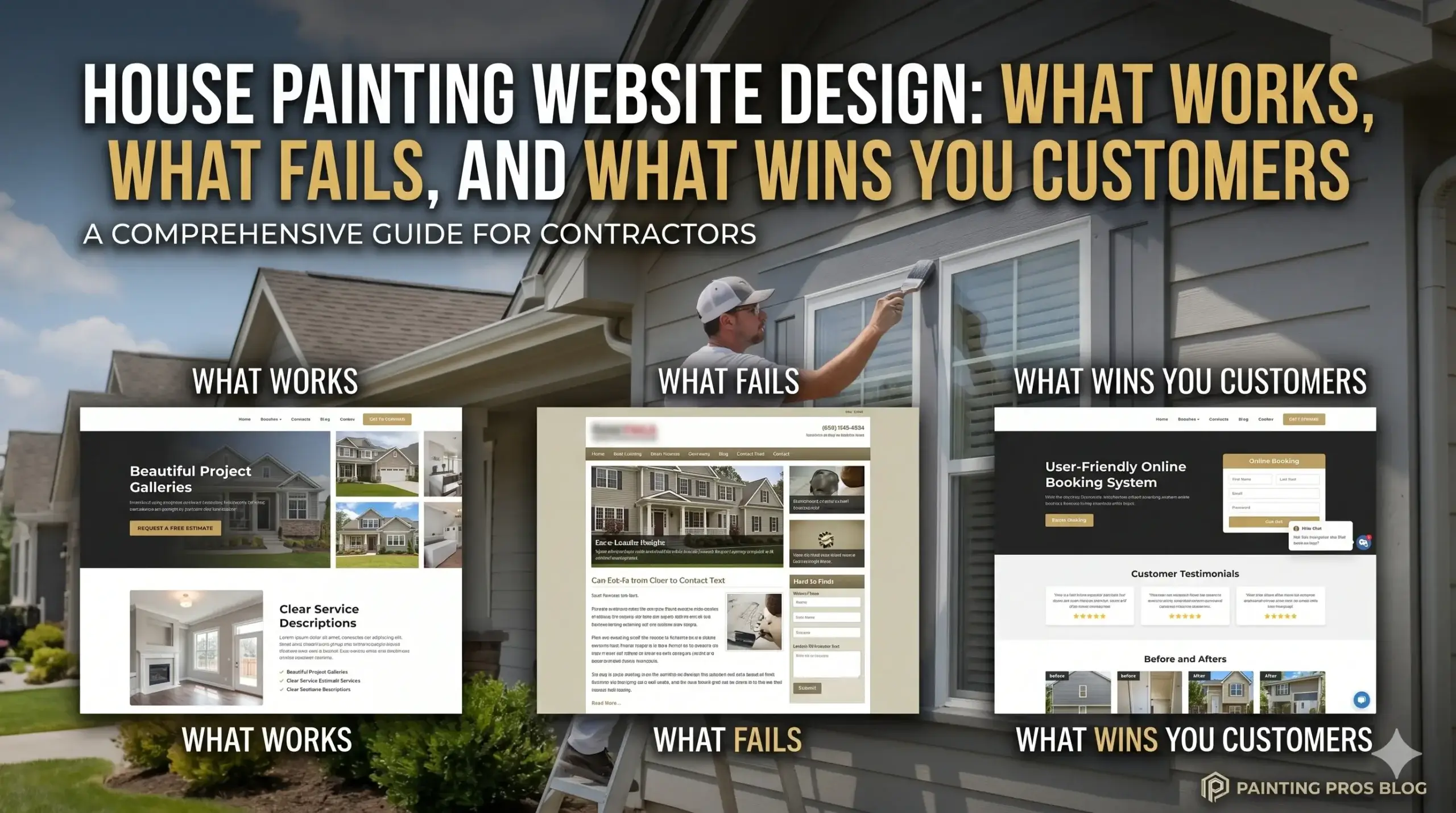
  • House Painting Website Design: What Works, What Fails, and What Wins You Customers

    House Painting Website Design: What Works, What Fails, and What Wins You Customers

    Your crew does great work. Your past clients rave about you. But your phone stays quiet, and your competitor — the one whose work isn’t even as clean as yours — keeps showing up at the top of Google and landing the jobs you should be getting.

    The difference isn’t skill. It’s their website.

    Most painting business owners think having a website is enough. But a website that just exists isn’t the same as a website that works. There’s a big gap between the two, and that gap is where your leads are disappearing every single day.

    This guide breaks down exactly what separates a painting website that generates real calls from one that just sits there looking pretty. No tech jargon, no fluff — just the straight answer to why your site isn’t delivering and what actually fixes it.


    Your Website Is Slow — And That’s Sending Customers Straight to a Competitor

    Think of your website like a freshly painted front door. If a potential customer walks up, rings the bell, and waits 10 seconds with no answer, they turn around and knock on the next door down the street.

    That’s exactly what happens when your site loads slowly. Most people will leave a website within 3 seconds if it hasn’t loaded. They don’t wait. They don’t come back. They just call someone else.

    The most common cause? Oversized photos. Painting businesses love showcasing their work — and they should — but uploading raw, unoptimized images straight from a camera or phone makes pages crawl. Large image files, cheap hosting, and bloated website builders all pile on top of each other.

    The real cost: every second of load time is a potential customer gone. If your site takes 6–7 seconds to load on a phone, you’re likely losing the majority of mobile visitors before they even see your phone number.

    Websites built for painting businesses by Digital Trace are built fast from the ground up — compressed images, optimized code, and hosting that can actually handle traffic.


    Nobody Calls a Website They Don’t Trust

    Imagine a homeowner is getting quotes for an exterior repaint. They Google a few local painters and land on your site. Within about 10 seconds, they’ve already made a gut decision about whether you’re legit.

    If your site looks outdated, has no photos of real work, or makes it hard to figure out who you are and where you serve — they’re gone. It doesn’t matter how good your work actually is.

    A painting website earns trust through:

    • Real before-and-after photos of projects (not stock images)
    • Clear service areas — which towns, cities, or regions you cover
    • Visible reviews or testimonials from real customers
    • A phone number that’s easy to find — not buried in the footer
    • A professional look that matches the quality of your work

    The hard truth is that homeowners can’t see your work until they hire you. Your website is the audition. If it looks like a rushed job, that’s what they assume your painting will look like too.


    Google Doesn’t Know Enough About You to Show You in Search Results

    You might have a website, but if Google can’t clearly understand who you are, what you do, and where you do it — it won’t confidently show you to people searching for painters in your area.

    This isn’t about tricks. It’s about clarity. Google needs specific signals: your location, your services, your service area, your business name. When those signals are missing or inconsistent, you slide down the results and your competitor (who probably has a simpler but better-optimized site) shows up instead.

    Common reasons painters don’t show up locally:

    • No Google Business Profile connected to the site
    • Pages with thin content that don’t mention specific cities or services
    • No structure that helps Google read and categorize the site properly
    • Missing or inconsistent business name, address, and phone number across the web

    The fix isn’t complicated, but it has to be done right. How Digital Trace builds painting websites includes local SEO structure built into every page from day one — not bolted on as an afterthought.


    Your Website Isn’t Set Up to Turn Visitors Into Calls

    Getting someone to your website is only half the battle. The other half is getting them to actually pick up the phone or fill out a form.

    Most painting websites fail here in two specific ways:

    1. No clear next step. The visitor lands on the page, looks around, and isn’t sure what to do. There’s no obvious call-to-action, no “Request a Free Quote” button, no reason to act right now. They tell themselves they’ll come back later — and they don’t.

    2. Forms that ask too much. A 12-field contact form asking for square footage, paint preferences, and project timelines kills conversions. People don’t fill those out. A simple name, phone number, and a quick description of the job gets you 3–4x more submissions.

    The goal of a painting website isn’t to impress people. It’s to get them to contact you. Every design decision — where the phone number sits, what color the button is, how many clicks it takes to request a quote — affects whether that happens or not.


    💡 Pro Tip: One of the most common mistakes painting businesses make is having a beautiful homepage but a forgettable, generic “Contact Us” page. Your contact page should reinforce trust — include a short message about your response time, your service area, and a photo of your team or a recent project. Small touches like “We respond within 2 hours” can meaningfully increase how many people actually submit the form.


    What Happens When You Get This Right: A Real-World Example

    Consider a residential painting company in the Pacific Northwest. They’d been in business for 11 years, had strong word-of-mouth referrals, and a website their nephew built in 2019 on a free builder platform.

    Their problems were typical: the site loaded in over 8 seconds on mobile, there were no clear calls-to-action, their service area wasn’t listed anywhere on the site, and Google wasn’t showing them for any of the 12 cities they actually served.

    After rebuilding with a conversion-focused design — fast load times, local SEO structure, a simple quote request form, and a photo gallery of real projects — the results shifted noticeably within 90 days:

    • Organic Google traffic more than doubled
    • Average site load time dropped from 8+ seconds to under 2
    • Contact form submissions increased from roughly 2–3 per month to 15–20 per month
    • Call volume from new customers increased enough to add a second crew

    The work didn’t change. The service area didn’t change. The only thing that changed was the website — and how it was built to perform.


    Not sure if your painting website has these issues? Get a free website audit — no obligation, just a clear picture of what’s costing you leads.


    Your Path to More Leads: 5 Simple Steps

    Here’s what moving from a website that doesn’t work to one that generates real business actually looks like:

    1. Audit what you have. Know specifically what’s broken — slow load times, missing local signals, no clear CTA. You can’t fix what you haven’t measured.
    2. Get clear on who you’re talking to. Your website should speak directly to homeowners in your specific area who want a reliable, professional painter — not to everyone everywhere.
    3. Build for mobile first. Most of your potential customers are searching from their phones. If your site isn’t fast and easy to navigate on a phone screen, you’re already losing.
    4. Make it easy to contact you. One visible phone number. One simple form. A clear, specific call-to-action on every page. Remove friction everywhere.
    5. Let Google find you. Every page should clearly signal your location, services, and service area. Consistent information across Google Business Profile, your website, and any directory listings is how local rankings improve.

    Frequently Asked Questions

    Why am I not getting calls from my website even though I have decent traffic?

    Traffic without conversion is the most common issue we see. If people are landing on your site but not calling, the problem is usually one of three things: the site loads too slowly and people bounce before seeing your phone number, there’s no clear call-to-action telling them what to do next, or the site doesn’t look credible enough to make them trust you with their home. Traffic is only valuable when your site is built to convert it.

    How do I know if my painting website is actually working?

    A website that’s working will consistently generate inbound calls and form submissions from people who found you through Google — not just referrals. If the only leads you’re getting come from word-of-mouth, your website isn’t pulling its weight. Request a free website audit and we’ll show you exactly what’s happening under the hood.

    How long does it take to see results from a new website?

    For local search visibility, most painting businesses start seeing meaningful improvement within 60–90 days of launching a properly optimized site. Conversion improvements (more calls and form fills) are usually noticeable much faster — often within the first few weeks — because they’re about fixing the experience for visitors who are already finding you.

    What makes a painting website different from a regular business website?

    A website built for a painting business has to do specific things that a generic template doesn’t account for: it needs to rank locally for neighborhood-level searches, it needs to display project photos in a way that builds instant credibility, and it needs to speak to homeowners who are comparing multiple painters and making a trust-based decision. A generic design might look fine, but it won’t be built around those specific conversion and local SEO needs.

    Do I really need a fast website if my customers are local and mostly referrals?

    Referrals are great — but they don’t scale the way organic search can. And even referred customers will Google you before calling to make sure you’re credible. If your site loads slowly or looks outdated, it can actually undermine the referral. Beyond that, a slow site is penalized by Google, which means you stay invisible to the much larger pool of homeowners searching for painters who have no idea you exist yet.

    Can’t I just use a website builder like Wix or Squarespace?

    You can — and many painters do. The issue is that these platforms were built for general use, not local service businesses. They tend to produce slower sites, offer limited control over SEO structure, and use templates that look similar to thousands of other businesses. If you’re serious about generating leads from Google, a website purpose-built for your painting business will consistently outperform a generic builder site.


    Your Painting Business Deserves a Website That Works as Hard as You Do

    You’ve built something real — a crew that shows up, does clean work, and leaves customers happy. But if your website isn’t reflecting that, you’re handing jobs to competitors who may not even do work as good as yours.

    The leads are out there. Homeowners in your area are searching for painters right now. The question is whether they find you or find someone else.

    A website built specifically for a painting business — fast, local SEO-optimized, and designed to turn visitors into calls — is the single highest-leverage investment most painting companies can make.

    Get your free website audit from Digital Trace →

    No pitch, no obligation. Just a clear, honest look at what your current site is costing you in missed leads — and exactly what it would take to fix it. Painting business owners across the US use this audit to finally understand why their phone isn’t ringing, and what to do about it.

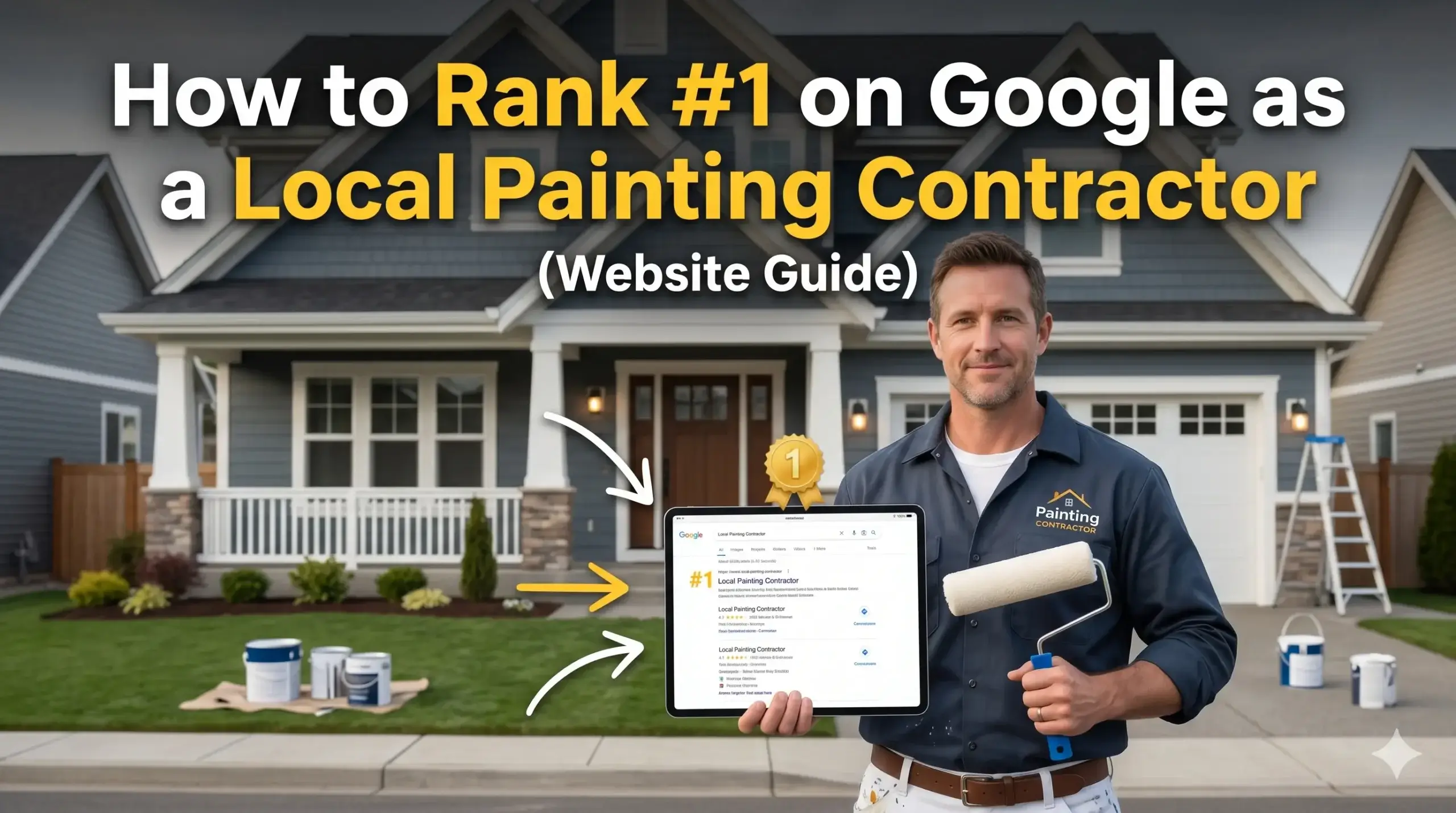
  • How to Rank #1 on Google as a Local Painting Contractor (Website Guide)

    How to Rank #1 on Google as a Local Painting Contractor (Website Guide)

    You finished a beautiful job last week. The customer loved it. But right now, someone three miles away just Googled “house painters near me” — and hired your competitor.

    Not because your competitor is better. Not because they’ve been around longer. Because their website showed up and yours didn’t.

    That’s the reality most painting contractors are living in, and most don’t even realize it. They think having any website is enough. It isn’t. A website that doesn’t show up on Google, doesn’t load fast enough, and doesn’t give visitors a reason to call is worse than no website at all — because it costs you money every month without doing anything for you.

    This guide breaks down exactly why your painting website isn’t bringing in leads, what the real problems are (in plain English), and what a website built for painting businesses actually needs to do. By the end, you’ll know what’s broken and how to fix it.


    Why Your Phone Isn’t Ringing (And It’s Not Because of the Market)

    A lot of painting contractors assume the slow season is to blame when calls dry up. Sometimes that’s true. But if your calendar has gaps in peak months and your competitors are booked out — your website is the problem.

    Think of your website like a work truck. If it’s not well-maintained, not stocked with the right tools, and breaks down before it gets to the job site — it doesn’t matter how good a painter you are. No one’s seeing your work.

    Most painting websites have three core problems:

    • They don’t show up — Google doesn’t rank them because they’re not built for search
    • They lose people fast — Slow load times and confusing layouts send visitors straight to a competitor
    • They don’t convert — Even the ones that get visitors don’t turn them into calls

    Let’s break each of these down.


    The Real Reason Google Ignores Your Website

    What you experience: You search your own business and you’re on page 3 — if you show up at all. Your competitor, who hasn’t been in business as long as you, shows up first.

    Why it happens: Google ranks websites based on signals of trust and relevance. If your website doesn’t include the right location information, the right service language, and a few behind-the-scenes technical details — Google simply doesn’t know enough about you to recommend you confidently.

    One of the biggest hidden problems is something called local schema markup. In plain terms: it’s a small piece of code that tells Google “This is a painting company, they serve these cities, here’s their phone number.” Without it, Google has to guess — and it usually guesses wrong.

    What Digital Trace does instead: Every painting website design Digital Trace builds includes proper local schema, city-specific service pages, and keyword-optimized content that tells Google exactly who you are and where you work. Not guesswork — structure.


    Your Website Is Losing Visitors in the First 3 Seconds

    What you experience: You have a website. People supposedly visit it. But your phone doesn’t ring. Something’s not adding up.

    Why it happens: Most people searching for a painter on their phone will leave your website if it takes more than 3 seconds to load. That’s not an exaggeration — it’s consistent behavior across mobile users. A slow-loading site bleeds potential customers before they ever see your phone number.

    Speed is determined by things most non-technical business owners would never think to check: image file sizes, hosting quality, code that hasn’t been cleaned up, and whether your site is optimized for mobile at all. If your website was built cheap or hasn’t been touched in a few years, it’s almost certainly slower than it should be.

    What Digital Trace does instead: Speed is built into every website from the start — not patched on later. Images are compressed properly, hosting is performance-focused, and every site is tested on mobile before it goes live. Because that’s where your customers are searching from.


    💡 Pro Tip

    The #1 mistake painting contractors make: Listing only your city in the service area section of your website.

    If you serve 10 towns but your site only mentions one, Google will only try to rank you for that one. Every town you want to work in needs its own dedicated page — or at minimum, its own section — with content that mentions the area specifically. This is one of the fastest ways to expand where you show up on Google without rebuilding your whole site.


    Your Website Doesn’t Give Visitors a Reason to Call

    Getting someone to your website is only half the battle. The other half is getting them to pick up the phone.

    Most painting websites fail here because they look like a flyer, not a business. They show a logo, maybe a few photos, and a contact form buried at the bottom. That’s not enough for someone who’s about to invite a crew into their home.

    Homeowners hiring a painter want to see:

    • Real photos of your work — not stock images
    • Reviews and social proof — what did past customers say?
    • Clear service areas — do you even work in my neighborhood?
    • An easy way to contact you — phone number visible, not hidden in a menu
    • A reason to trust you — years in business, licenses, before/afters

    If your website doesn’t answer those questions immediately, visitors leave. They’re not going to dig around. They’ll click the next result.


    Before & After: What Happens When a Painting Website Actually Works

    Mike runs a residential painting company in the Dallas-Fort Worth area. He’d been in business for nine years, had plenty of referrals, but his website was something he’d paid a cousin to build back in 2019. It wasn’t ranking. It loaded slowly. And it had no reviews, no location pages, and a contact form that went to an email he rarely checked.

    He was getting maybe two or three website leads a month — mostly low-budget inquiries.

    After a full rebuild focused on painting website design built for local search — with speed optimization, 12 city-specific service pages, a before/after photo gallery, and a click-to-call button above the fold — the results shifted significantly within four months:

    • Monthly website leads went from 2–3 to 18–22
    • Average job value from web leads was higher because the site positioned his work properly
    • He started ranking in the top 3 for several surrounding cities he’d never shown up in before

    His phone didn’t start ringing because he got lucky. It started ringing because his website finally did its job.


    Not sure if your website has these problems? Get a free website audit — no obligation, just a clear picture of what’s costing you leads.


    Your Path to More Leads: 5 Steps That Actually Move the Needle

    Here’s what it actually takes to turn your website into a lead machine. No technical degree required — just knowing what to prioritize.

    1. Fix your speed first. If your site takes more than 3 seconds to load on a phone, that’s your biggest leak. Everything else is secondary.
    2. Build pages for every city you serve. One homepage isn’t enough. If you work in 8 towns, you need 8 dedicated pages — or at minimum, 8 well-structured sections.
    3. Put your phone number where people can see it immediately. Not in a dropdown menu. Not at the bottom. Top of every page, clickable on mobile.
    4. Add real photos and real reviews. These aren’t cosmetic. They’re trust signals that turn a visitor into a caller.
    5. Tell Google who you are. Schema markup, a Google Business Profile that matches your website, and consistent contact information across the web. This is what separates websites that rank from websites that don’t.

    FAQ: Real Questions From Painting Contractors

    Why am I not getting calls from my website even though people are visiting it?

    Traffic without calls usually means your website isn’t giving visitors enough reason to trust you or contact you. Check whether your phone number is visible immediately, whether you have real reviews on the page, and whether your contact options are easy to use on mobile. Most of the time, it’s a conversion problem — not a traffic problem.

    How do I actually know if my painting website is working?

    If you’re not tracking where your leads come from, you don’t know. A properly set-up website should show you how many people visited, what pages they looked at, and whether they called or submitted a form. If you have no idea what your site is doing, a free website audit is a good place to start — it shows you exactly what’s happening and what isn’t.

    How long does it take to start getting leads from a new website?

    For local painting contractors, most businesses start seeing meaningful movement in Google rankings within 60–90 days of a properly built website going live. It’s not instant — but it’s also not years. The key is that the foundation has to be right from day one. A cheap or generic site can sit there for two years and never move.

    What makes a painting website different from just any business website?

    A painting website needs to do a few specific things a generic site doesn’t: rank for local searches by city and neighborhood, show visual proof of work (before/afters matter enormously in this industry), and build trust fast with homeowners who are nervous about letting strangers into their home. Generic website builders don’t account for any of that.

    Do I really need a fast website if my customers are mostly local and older?

    Yes — because even older homeowners are searching on smartphones now, and Google itself ranks faster websites higher than slower ones. Speed isn’t just about user experience. It directly affects whether you show up at all. A slow site hurts your visibility before anyone even has the chance to see it.

    Can I just use a template site or a website builder instead of hiring an agency?

    You can — but template sites and DIY builders are built for everyone, which means they’re optimized for no one. They won’t have the local SEO structure, the speed performance, or the conversion-focused design that a painting website actually needs to compete. If you want a site that generates leads consistently, it needs to be built with that specific goal in mind.


    Stop Leaving Leads on the Table

    Every week your website isn’t ranking, isn’t loading fast enough, or isn’t giving visitors a reason to call — is a week your competitors are getting those jobs instead.

    The good news: most of these problems have clear, fixable solutions. And most painting contractors, once they see what’s actually happening with their site, are surprised at how much they’ve been leaving on the table.

    Digital Trace specializes in painting website design built specifically for local contractors who want more calls, better leads, and a site that actually earns its keep.

    Get your free website audit →

    No sales pitch. No obligation. Just an honest look at what’s working, what isn’t, and what it would take to fix it. If you’re a painting contractor in the US ready to stop guessing and start getting results — this is where it starts.

  • 7 Must-Have Features Every Painting Company Website Needs to Get More Leads

    7 Must-Have Features Every Painting Company Website Needs to Get More Leads

    You do great work. Your jobs look immaculate. Past clients rave about you. So why is the phone not ringing from your website?

    Most painting business owners assume the answer is more advertising — more Facebook posts, maybe a Google ad here and there. But the real problem is almost always the website itself. It’s not designed to convert visitors into leads. It’s just sitting there, looking decent, doing nothing.

    Here’s the hard truth: a painting website that doesn’t actively work for you is like sending an estimator to a job site with no tools. The opportunity is there, but nothing gets done.

    This post breaks down the 7 features that separate painting company websites that generate real leads from the ones that silently bleed money every single day. If your site is missing even a few of these, you’re handing jobs to competitors — and you probably don’t even realize it.


    1. A Clear, Specific Headline That Tells Visitors Exactly What You Do

    The problem: Most painting websites open with something like “Welcome to ABC Painting” or “Quality Painting Services.” That tells a visitor almost nothing.

    Why it matters: When someone lands on your site, they make a decision in about 3 seconds: Does this look like what I need? If your headline doesn’t immediately say who you serve, where you work, and why you’re the right choice — they leave.

    The real cost: You’re paying (in time, in SEO, in ad spend) to get people to your site, and they bounce before they even scroll.

    What to do instead: Lead with a specific, benefit-driven headline. Something like: “Professional Interior & Exterior Painting in [City] — Done Right, On Time, Every Time.” That headline answers three questions immediately: what you do, where you do it, and why they should trust you.

    At Digital Trace, every painting website design starts with a headline audit — because the first 10 words on your homepage can make or break everything that follows.


    2. A Phone Number That’s Always Visible (Especially on Mobile)

    The problem: A surprising number of painting websites bury the phone number in the footer — or worse, only have it on a contact form.

    Why it matters: The majority of people searching for painting services are on their phones. They want to tap and call, not fill out a form, wait 24 hours, and play phone tag. If your number isn’t visible at the top of every page on mobile — as a tappable link — you’re losing calls before they ever happen.

    The real cost: Every person who had to hunt for your number and gave up is a job you didn’t get. These are warm leads who already liked what they saw — they just couldn’t reach you fast enough.

    What to do instead: Pin your phone number to the top of every page with a click-to-call button on mobile. Make it big. Make it obvious. Don’t make them work for it.


    3. Before-and-After Project Photos That Prove Your Work

    The problem: Generic stock photos of paint brushes and rollers don’t sell jobs. Real photos of your actual work do.

    Why it matters: Painting is a visual trade. Your potential customer is standing in their living room, imagining what it could look like. They need to see your work — specifically work that looks like theirs. A gallery of real before-and-after photos from jobs you’ve done in your area is one of the most powerful trust signals a painting website can have.

    The real cost: If your site has no photos — or has only after shots without the before — visitors have no emotional reference point. They don’t connect. They move on to someone whose site shows the transformation clearly.

    What to do instead:

    • Group photos by project type (interior, exterior, cabinets, commercial)
    • Always show before AND after shots together
    • Add a one-line caption: what room, what finish, what city
    • Feature your best work prominently on the homepage — not buried in a gallery tab

    4. Fast Loading Speed — Especially on Mobile

    The problem: If your site takes more than 3 seconds to load, most people leave — and they don’t come back.

    Why it matters: Most painting websites are overloaded with large, uncompressed images and slow hosting. On a mobile connection, that’s a disaster. Visitors don’t wait. They hit the back button and call the next painter in the search results — who is almost certainly your competitor.

    The real cost: You can have the best photos, the best headline, and the best reviews — but none of it matters if your site doesn’t load in time for anyone to see it.

    What to do instead: Your images need to be compressed and properly sized for web. Your hosting needs to be fast. Your code needs to be clean. This is exactly why how Digital Trace builds painting websites prioritizes performance from the ground up — not as an afterthought.


    💡 Pro Tip

    One of the most common mistakes painting websites make: uploading photos straight from a phone or camera without resizing them. A single uncompressed photo can be 5–10 MB. Multiply that by a gallery of 20 photos and your site is essentially loading a massive file dump every time someone visits. The fix is straightforward — compress and resize every image before uploading — but most painters (and a lot of cheap web developers) skip this step entirely. The result is a site that feels slow, even when the design looks fine.


    5. Genuine Reviews — Front and Center, Not Hidden

    The problem: Most painting sites have a reviews page buried in the navigation. Or they link to Google and hope people click through.

    Why it matters: Reviews aren’t just nice to have — they’re what converts a curious visitor into someone who actually calls. People hiring a painter are letting a stranger into their home. They need social proof, and they need it immediately, without hunting for it.

    The real cost: If your reviews are hard to find, they’re basically invisible. Visitors assume you either don’t have many, or you’re hiding something.

    What to do instead:

    • Embed 3–5 of your best Google reviews directly on your homepage
    • Include the reviewer’s name, star rating, and a specific detail (not just “great job!”)
    • Add a total review count: “★★★★★ 87 Reviews on Google” builds immediate credibility
    • Update them regularly — a site with reviews from 4 years ago feels stale

    6. A Contact Form That Actually Works (And a Response That’s Fast)

    The problem: Many painting websites have broken contact forms — or forms that send to an email no one checks regularly.

    Why it matters: Someone who fills out your form is a warm lead. They’ve already decided they want a quote. If they don’t hear back within a few hours, they move on. Studies across service businesses show that leads contacted within the first hour are far more likely to convert than those contacted a day later.

    The real cost: Every unanswered form submission is a job that went to a competitor who responded faster.

    What to do instead:

    • Test your contact form every few weeks — forms break more often than you’d think
    • Set up an automatic email confirmation so the customer knows their message was received
    • Route form submissions to your phone via text, not just email
    • Keep the form short: name, phone, service type, and preferred callback time is enough

    7. Local SEO Built Into Every Page

    The problem: You show up when people Google your business name — but not when they Google “house painter near me” or “exterior painting [your city].”

    Why it matters: Most painting jobs come from local search. If your site doesn’t clearly signal to Google where you work and what you do, Google simply won’t show you to people searching in your area. This isn’t about tricks or hacks — it’s about giving Google enough information to confidently recommend your business.

    The real cost: Your competitor down the street — who may do worse work than you — shows up first in search results because their site has the right local signals. You’re invisible to everyone who doesn’t already know your name.

    What to do instead:

    • Each service area should have its own page (not just a list of cities in a footer)
    • Use your city and service type naturally in your headings and page titles
    • Keep your Google Business Profile linked to and consistent with your website
    • Make sure your address, phone number, and service areas are clearly listed on your site

    A Real-World Example: How One Painting Business Turned Their Website Around

    Consider a residential painting company based in the suburbs of Columbus, Ohio. Good reviews on Google. Five years in business. Word-of-mouth was solid — but their website was generating almost zero calls.

    Here’s what was wrong: the homepage loaded slowly because of large uncompressed photos, the phone number wasn’t visible on mobile, and there were no before-and-after project photos — just a stock image of someone painting a wall. Their service pages had no mention of the specific neighborhoods they covered.

    After a full redesign focused on speed, mobile usability, real project photos, and local SEO structure:

    • Their site load time dropped from 8 seconds to under 2 seconds
    • Calls from the website went from near zero to a consistent 10–15 per month within 90 days
    • Three of their core service pages started ranking on the first page of Google for local search terms

    None of that required paid ads. It was all the website doing its job.


    Not sure if your painting website has these issues? Get a free website audit — no obligation, just a clear picture of what’s costing you leads.


    Your Path to More Leads: What to Do Next

    Here’s a simple sequence that works for most painting businesses:

    1. Test your site on your phone. Pull it up the way a customer would. Does the phone number show up immediately? Does it load fast? Is it easy to read?
    2. Check your contact form. Fill it out yourself and make sure you receive the submission. If it’s broken, fix it today.
    3. Audit your photos. Do you have real before-and-after shots from actual jobs? If not, bring your phone to your next three projects and document the transformation.
    4. Search for yourself the way a customer would. Google “house painting [your city]” — are you showing up? If not, your local SEO needs work.
    5. Get a professional eye on it. A free website audit from Digital Trace will tell you exactly where your site is losing leads and what it would take to fix it.

    Frequently Asked Questions

    Why am I not getting calls from my website even though I have one?

    Having a website isn’t the same as having one that works. Most painting websites look fine but are missing key conversion signals — a visible phone number, fast loading, local SEO, and real project photos. If visitors can’t quickly find what they need, they leave without calling.

    How do I know if my painting website is actually working?

    A working website generates regular contact form submissions and phone calls from people who found you through Google — not just from people who already knew your name. If all your website traffic comes from existing clients or people who Googled your business name directly, your site isn’t pulling in new customers.

    What makes a painting website different from a regular business website?

    Painting is a visual, trust-heavy, local service. Your site needs to show real project photos (not stock images), display local service areas clearly, make phone contact dead simple, and load fast on mobile — because most of your potential customers are searching from their phones while standing in a room they want painted. Generic templates don’t account for any of that.

    How long does it take to see results from a new website?

    Most painting businesses start seeing a meaningful uptick in leads within 60–90 days of launching a properly optimized site. Local SEO takes time to build, but fast load speeds and better conversion elements (like visible phone numbers and real photos) can generate results almost immediately. Get a free website audit to understand where you stand right now.

    Do I really need a fast website if my customers are local?

    Yes — especially if they’re local. Local customers are mostly searching on mobile data connections, which are slower than home WiFi. A slow-loading site on a mobile connection loses visitors fast. Google also factors site speed into local search rankings, so a slow site makes you less visible AND less likely to convert anyone who does find you.

    I’ve been burned by web agencies before. How is this different?

    That’s a fair concern, and it’s the most common thing painting business owners tell us. The difference is accountability. A good painting website agency shows you exactly what they’re building, why each decision was made, and what results to expect — in plain English, not marketing fluff. Start with a no-obligation audit and see if the conversation feels different.


    Your Painting Business Deserves a Website That Actually Works

    Every week your website sits underperforming, you’re handing leads to competitors. The jobs are out there — people in your area are actively searching for a painter right now. The question is whether your site is visible, fast, and trustworthy enough to make them call you instead of someone else.

    Digital Trace specializes in building high-converting websites for painting businesses across the US. No templates. No guesswork. Just websites built specifically for how painting customers search, decide, and reach out.

    Book your free website audit today — we’ll show you exactly what your site is missing and what it’s costing you. No pitch, no pressure. Just answers.

  • Why Your Painting Company Is Losing Jobs to Competitors With Better Websites

    Why Your Painting Company Is Losing Jobs to Competitors With Better Websites

    You did the estimate. You showed up on time. Your work is solid. So why did the homeowner hire the other guy?

    Nine times out of ten, the decision was made before you ever picked up the phone — the moment they typed “painters near me” and started clicking through websites. If yours didn’t look the part, load fast enough, or make it easy to reach you, they moved on. Simple as that.

    Most painting business owners assume they’re losing work because of price. Sometimes that’s true. But more often, there’s a silent leak draining leads every single week — and it’s sitting on your screen right now. This post breaks down exactly what’s happening, why it happens, and what you can do about it. No jargon, no fluff — just real answers a painting business owner can use.


    Your Website Is Like a Job Site Walkthrough — First Impressions Are Everything

    Think about it this way: when a homeowner lets a painter walk through their house for an estimate, they’re already judging — are you professional? Do you seem trustworthy? Did you wipe your boots?

    Your website does that same walkthrough for every person who searches for a painter online. It happens before you ever speak to them.

    If your site looks outdated, loads slowly, or is hard to navigate on a phone, the homeowner’s gut says: this company isn’t careful enough. They close the tab. They call your competitor.

    What this looks like in real life:

    • Blurry before-and-after photos that look like they were taken in 2011
    • Text that’s too small to read on a phone screen
    • No clear “Call Now” button visible without scrolling
    • A contact form that feels like filing taxes

    The fix isn’t about being flashy. It’s about looking like you run a tight, professional operation — because you do. A website built for painting businesses should show that from the very first second.


    If Your Site Takes More Than 3 Seconds to Load, You’re Already Losing

    Here’s something most painting business owners don’t realize: people don’t wait for slow websites. Studies consistently show that most visitors abandon a page if it doesn’t load within a few seconds. On mobile — where most of your potential customers are searching — that window gets even shorter.

    Why it happens: Many websites are built with oversized images, bloated code, or cheap hosting that wasn’t designed to handle real traffic. Your site looks fine when you check it because your browser cached it. For someone new? They’re staring at a loading spinner.

    What it costs you: If even 2–3 people a week leave because your site is slow, and each job is worth $1,500–$5,000, you’re leaving serious money on the table every single month.

    What good painting website design actually does:

    • Compresses images without losing quality
    • Uses fast, reliable hosting built for business
    • Loads fully on mobile in under 2 seconds
    • Puts your phone number front and center — immediately

    Speed isn’t a tech luxury. It’s a sales tool.


    Google Doesn’t Know Enough About Your Business to Show It

    You might have a website. But if Google can’t figure out what you do, where you do it, and why you’re credible, it won’t show your site to people searching for painters in your area.

    The plain-English version: Google reads your website the same way a new customer might skim it. If it doesn’t clearly say “residential painting contractor serving [City]” — with real service pages, location signals, and structured information — Google hedges its bets and sends traffic to the competitors who made it obvious.

    What’s usually missing from painting websites:

    • Individual service pages (interior painting, exterior painting, cabinet painting — not one page that mentions all three)
    • Location-specific content (“serving homeowners in [City] and surrounding areas”)
    • A Google Business Profile that matches the website’s information
    • Basic technical signals that help Google categorize the site correctly

    💡 Pro Tip: One of the most common mistakes painting business owners make is having a single “Services” page that lists everything in a few sentences. Google treats each service as a separate search. If you want to show up for “exterior house painting near me,” that phrase needs its own dedicated page with real detail behind it — not a bullet point buried under five others. This single change can meaningfully improve how often Google shows your site for high-intent searches.


    Your Phone Number Shouldn’t Be a Treasure Hunt

    Pull up your website on your phone right now. How many times do you have to scroll or tap before you can call your own business?

    If the answer is more than zero, you have a problem.

    Most painting customers are deciding quickly. They might be standing in their driveway looking at peeling trim, or sitting at their kitchen table comparing three painters at once. The easier you make it to contact you — the more calls you get. Full stop.

    What a high-converting painting website does differently:

    • Shows a clickable phone number in the top bar on every page
    • Has a simple, short contact form (name, phone, what do you need — done)
    • Includes a clear, direct call-to-action on every section: “Get a Free Estimate”, “Call Now”, “Schedule Today”
    • Makes the next step feel obvious, not optional

    If your competitor’s site has a “Call Now” button visible the moment the page loads and yours doesn’t — they’re getting the call. Every time.


    Real-World Scenario: Before and After

    The business: A residential painting company based in the Midwest. Two crews, solid reputation, mostly word-of-mouth referrals. Owner had a website built years ago by a friend — functional, but bare-bones.

    The problem: They were getting roughly 3–5 website inquiries a month. The site had no individual service pages, loaded slowly on mobile, and the only way to contact them was a form buried at the bottom of the homepage.

    What changed: A new painting website design was built with dedicated pages for interior, exterior, and cabinet painting. The site loaded in under 2 seconds. A click-to-call button was added to the top of every page. Local SEO signals were built in from the ground up.

    The result: Within 90 days, website inquiries went from 3–5 per month to 18–22 per month. The owner didn’t change his prices or add crew — the website just started doing its job.


    Not sure if your painting website has these issues? Get a free website audit — no obligation, just a clear picture of what’s costing you leads.


    Your Path to More Leads: 5 Steps That Actually Work

    You don’t need to become a web designer. You just need a website that does its job. Here’s the straightforward path:

    1. Audit what you have. Look at your site on your phone. Is it fast? Is your number easy to find? Does it explain exactly what you do and where you work? If you’re unsure, a professional audit will tell you fast.
    2. Build dedicated service pages. Interior painting, exterior painting, cabinet refinishing — each one deserves its own page with real descriptions, photos, and a call-to-action.
    3. Fix your speed. Compress your images. Move to reliable hosting. This alone can improve both your Google rankings and the number of people who actually stay on your site.
    4. Make contact frictionless. Click-to-call at the top. Short form. Clear ask. The simpler you make it, the more people follow through.
    5. Work with someone who knows the painting industry. Generic web designers build generic websites. A painting website design agency understands what painting customers are looking for — and builds toward that specifically.

    FAQ: Real Questions From Painting Business Owners

    Why am I not getting calls from my website even though I have one?

    Having a website and having a website that works are two different things. Most painting websites fail on one of three things: they’re hard to find on Google, they load too slowly for people to stick around, or they don’t make it obvious how to contact you. Usually it’s a combination of all three.

    How do I know if my painting website is actually working?

    If you don’t know how many people visit your site each month, how they found you, and how many of them contacted you — you have no visibility. At minimum, you should have Google Analytics installed and be tracking form submissions and phone clicks. If that sounds foreign, it means no one set it up properly.

    How long does it take to see results from a new website?

    A well-built site can start showing results within 60–90 days for local search. Depending on competition in your area, some results come faster. The key is that a properly built website compounds over time — it gets stronger the longer it’s live, not weaker.

    What makes a painting website different from a regular business website?

    Painting customers make decisions based on trust and visuals. They need to see real work, real reviews, and a clear sense that you’re a legitimate, established business. They’re also almost always searching on mobile. A painting website needs to be built around those specific behaviors — not copied from a generic template.

    Do I really need a fast website if my customers are local?

    Yes — especially because your customers are local. They’re searching on their phones, often outdoors or on the go, sometimes on slower connections. If your site doesn’t load fast, they’re gone before they see your work. Local doesn’t mean slow is acceptable. It means speed matters even more.

    How do I know if Digital Trace is the right fit for my painting business?

    The easiest way is to see what they find. Book a free website audit and get a specific breakdown of what’s working, what’s broken, and what it’s costing you in lost leads. No pitch, no obligation — just real information you can use.


    Stop Leaving Jobs on the Table

    Your reputation is solid. Your work speaks for itself. The only thing working against you is a website that isn’t pulling its weight.

    Every week that passes with a slow, hard-to-find, hard-to-use website is another week your competitor is getting calls that should be yours.

    The good news: this is fixable. And it starts with knowing exactly what’s broken.

    Get your free website audit →

    Digital Trace will review your painting website, show you exactly what’s costing you leads, and give you a clear picture of what a high-performing site could do for your business — no strings attached.

    Your next job shouldn’t go to the painter with the better-looking truck. It should go to you — because you have the better website.

  • 5 Flooring Websites That Convert Visitors Into Customers (And What You Can Learn From Them)

    5 Flooring Websites That Convert Visitors Into Customers (And What You Can Learn From Them)

    You’ve got years of experience laying hardwood, tile, and luxury vinyl. Your work speaks for itself — referrals roll in, and customers love the finished product. But your website? It’s sitting there quietly, doing almost nothing.

    You’re not alone. Most flooring business owners assume their site “works” because it exists. The truth is, a flooring website that doesn’t convert is like a showroom with no samples, no pricing, and a locked front door. People pull up, glance in, and keep driving.

    This post breaks down five flooring websites that actually convert — pulling in calls, form fills, and booked estimates. More importantly, it explains why they work, so you can apply the same thinking to your own site. Whether you’re looking to rebuild from scratch or fix what’s already there, these examples show exactly what separates a website that costs you money from one that makes you money.


    1. The “Instant Trust” Homepage

    Think about how a homeowner finds a flooring contractor. They Google something like “hardwood floor installation near me,” click on the first few results, and spend about eight seconds on each site before deciding whether to stay or leave.

    Eight seconds.

    The flooring websites that win that moment do one thing immediately: they make the visitor feel like they’ve found the right place. That means a clear headline that says what you do and where you do it, a photo of real finished work (not stock imagery), and a phone number that’s impossible to miss.

    Here’s what most flooring sites get wrong: they lead with the company name and a vague tagline like “Quality You Can Trust.” That tells a nervous homeowner absolutely nothing. They don’t know if you serve their area, what types of flooring you install, or whether you’re a real local business.

    What the best flooring websites do instead:

    • Lead with a benefit-first headline: “Expert Hardwood & Tile Installation in [City] — Free Estimates”
    • Show real project photos within the first scroll
    • Make the phone number clickable and visible above the fold
    • Use a single, clear call to action — not four different buttons

    The moment someone lands and immediately thinks “yes, this is who I’m looking for,” you’ve won half the battle. Digital Trace builds websites built for flooring businesses that pass this eight-second test every time.


    2. The Mobile-First Layout That Doesn’t Lose Customers on Their Phones

    Here’s a frustration that costs flooring businesses calls every single day: a homeowner is standing in their kitchen, looking at the floor they hate, and they pull out their phone to search for a contractor. They find your site. It loads slowly. The text is tiny. The “Call Now” button is buried. They pinch and zoom, get frustrated, and click the back button.

    You just lost a warm lead — someone who was ready to call — because your site wasn’t built for a phone.

    More than 60% of local searches happen on mobile devices. If your flooring website isn’t fast and easy to use on a phone, you’re invisible to the majority of people looking for you right now.

    What a mobile-first flooring website actually looks like:

    • Loads in under 3 seconds on a phone connection
    • Has a large, tappable “Call Now” button visible without scrolling
    • Shows your service area and top services without requiring the user to hunt
    • Contact forms with minimal fields — name, phone, and what they need

    Think of it this way: your website on mobile is like your company van pulling up to a job. If it looks beaten up and nothing works, the homeowner is already second-guessing their decision. A clean, fast mobile experience says “this company has it together.”


    3. The Gallery That Actually Sells Work (Not Just Shows It)

    Every flooring contractor has a gallery. Almost none of them use it correctly.

    Most galleries are just a grid of photos with no context. A homeowner scrolling through can’t tell what type of flooring it is, what room it’s in, how long it took, or what it cost. They’re looking at pretty pictures with zero information to help them make a decision.

    The flooring websites that convert use their gallery as a selling tool. Each project includes the flooring type, the space it was installed in, and ideally a brief note about the challenge or the outcome. “Engineered hardwood in a high-traffic open-plan kitchen — completed in two days” tells a homeowner so much more than a photo alone.

    What a conversion-ready flooring gallery includes:

    • Project tags by flooring type (hardwood, LVP, tile, carpet)
    • Room labels so homeowners can find relevant inspiration
    • Short project notes or before/after comparisons
    • A CTA inside or directly below the gallery — “Love what you see? Get a free estimate”

    A gallery that educates and inspires is one that converts. A gallery that’s just pretty pictures is one that gets scrolled past.


    4. The Reviews Section That Builds Real Trust

    Social proof is the closest thing to a word-of-mouth recommendation your website can deliver. But most flooring companies either hide their reviews or display them in a way that looks fake.

    A block of five-star ratings with no photos, no full names, and no specifics? Homeowners have been burned enough times to be skeptical. Reviews that say “Great work! Highly recommend!” do almost nothing.

    The flooring websites that convert feature reviews that feel real — because they are. They include the customer’s first and last name, a photo when possible, the type of project, and a specific detail about the experience.

    💡 Pro Tip: Don’t just paste your Google reviews into your site and call it done. Your review section is one of the first places a skeptical homeowner looks to decide if they can trust you. Feature three to five of your most detailed, specific reviews prominently on your homepage and your service pages. If a review mentions a specific flooring type (like “LVP installation”) or a specific situation (“we needed it done before the holidays”), that specificity does more selling than any marketing copy you could write. If you don’t have detailed reviews yet, start asking happy customers to mention the project type and outcome in their review — it changes everything.


    5. The Service Pages That Rank on Google and Turn Readers Into Callers

    This is where most flooring companies leave the most money on the table.

    If your entire website is one page — or you have a single “Services” page that lists hardwood, tile, LVP, and carpet in a bullet list — Google has almost no idea what to rank you for. And even if someone does land on that page, there’s nothing specific enough to make them pick up the phone.

    The flooring websites that rank and convert have dedicated pages for each major service: one for hardwood floor installation, one for LVP, one for tile, one for refinishing. Each page talks about that specific service in depth — what it involves, how long it takes, what it costs (even a range helps), and who it’s right for.

    Here’s the business impact of getting this wrong: your competitor who has a dedicated “hardwood floor installation in [city]” page shows up when a homeowner searches exactly that. You don’t. They get the call. You don’t.

    What a converting service page includes:

    • A clear H1 that matches what people actually search for
    • A description of the process in plain language
    • Answers to the questions customers always ask (How long? How much disruption? How much does it cost?)
    • Real photos from that type of job
    • A prominent, easy-to-use quote request form

    This is exactly what how Digital Trace builds flooring websites — individual, optimized service pages that rank for real local searches and give visitors a clear reason to call.


    Before & After: What a Better Flooring Website Actually Does

    A flooring contractor in the Midwest — three-person crew, eight years in business, solid reputation locally — was getting maybe four or five website leads a month. Most of their work came from word of mouth. The owner knew the website was “probably outdated” but assumed it wasn’t costing them much.

    Their site was slow (took over six seconds to load on mobile), had no dedicated service pages, and the only call to action was a contact form buried in the footer. Reviews weren’t featured anywhere.

    After a full rebuild — fast mobile-first design, dedicated pages for hardwood, LVP, tile refinishing, and commercial work, a visible phone number and “Get a Free Estimate” button on every page, and a featured reviews section — website leads went from four or five a month to twenty-plus. The owner stopped wondering where the next job was coming from.

    The site wasn’t just prettier. It was doing a job.

    Not sure if your flooring website has these issues? Get a free website audit — no obligation, just a clear picture of what’s costing you leads.


    Your Path to More Leads: 5 Steps That Actually Move the Needle

    You don’t need to do everything at once. Start here:

    1. Test your site on your phone right now. Pull it up on your personal cell phone on mobile data (not WiFi). Does it load fast? Is the phone number easy to tap? That’s your reality check.
    2. Add a visible phone number and “Get a Free Estimate” button to the top of every page. Don’t make people hunt.
    3. Create a separate page for each major service you offer. One page for hardwood, one for tile, one for LVP — not a single “Services” page.
    4. Feature three to five detailed customer reviews on your homepage. Specific, named, real. Not generic five-star blurbs.
    5. Make sure your gallery has context. Label photos by flooring type and room. Add a brief project note. Put a CTA right below it.

    If you’re not sure where to start — or you want someone to tell you exactly what’s wrong and how to fix it — get a free website audit from Digital Trace.


    FAQ: Real Questions Flooring Business Owners Ask Before Hiring a Web Agency

    Why am I not getting calls from my website even though I show up on Google?

    Showing up on Google and converting visitors into callers are two completely different things. You might rank on page one and still lose every visitor because your site is slow, hard to navigate on a phone, or doesn’t have a clear call to action. Traffic without conversion is just wasted visibility.

    How do I know if my flooring website is actually working?

    If you can’t name how many calls or form fills your site generated last month, it’s not working hard enough for you. A website that’s doing its job gives you a steady, trackable stream of leads — not just “people probably found us somehow.”

    How long does it take to see results from a new flooring website?

    With a properly built site optimized for local search, most flooring businesses start seeing measurable improvement in leads within 60 to 90 days. The timeline depends on how competitive your local market is and how much content the site has. The sooner you start, the sooner the clock starts running.

    What makes a flooring website different from a regular business website?

    A flooring website needs to work for a very specific buyer at a very specific moment — usually someone standing in a room they hate, searching on their phone, ready to make a decision. That means it has to load fast, show real work immediately, feature local trust signals, and make it dead simple to call or request a quote. Generic website templates aren’t built for that buyer journey.

    Do I really need a fast website if my customers are local?

    Especially if your customers are local. Local searchers are almost always on mobile, often deciding between two or three contractors in seconds. A site that takes five or six seconds to load will lose that race every time — Google’s own data shows that most mobile visitors leave before a slow site finishes loading. Speed isn’t a “nice to have” for local businesses. It’s table stakes.

    How do I know if Digital Trace is the right fit for my flooring business?

    Start with a free website audit. You’ll get a clear look at what’s working, what’s not, and what it would take to fix it — with no obligation to move forward. If the audit shows your site is solid, we’ll tell you that too.


    Stop Letting Your Website Cost You Jobs

    Every week your flooring website isn’t converting is a week of estimates going to a competitor who figured this out before you did. The good news: this isn’t complicated to fix when you know what to look for.

    Digital Trace specializes in building websites for flooring businesses that rank locally and turn visitors into paying customers. No guesswork. No generic templates. Just a site built around how your customers actually search, think, and decide.

    Find out exactly what’s costing you leads — get your free website audit today.

  • How Much Does a Flooring Company Website Cost in 2026?

    How Much Does a Flooring Company Website Cost in 2026?

    You’ve got the crews, the showroom samples, and years of happy customers — but your phone still isn’t ringing the way it should. Meanwhile, another flooring company down the street seems to be everywhere online, landing jobs you should be getting.

    Here’s the uncomfortable truth most flooring business owners don’t hear until it’s too late: your website might be working against you. Not because it’s ugly. Not because you made a bad choice when you built it. But because most websites built for flooring businesses are designed to look good in a sales demo — not to win you customers on a Tuesday afternoon when someone’s dog just ruined their hardwood floors and they need a quote now.

    This guide breaks down what a flooring company website actually costs in 2026, what separates a site that generates calls from one that just sits there, and how to know which one you have.


    The Real Question Isn’t “How Much?” — It’s “What Am I Actually Buying?”

    Most flooring business owners get quoted anywhere from $500 to $15,000+ for a website. That range is nearly useless without context. A $500 template site and a $8,000 custom-built site can look almost identical in a screenshot. The difference shows up in your call log.

    Here’s what actually determines whether a flooring website generates leads:

    • Speed — Does it load in under 3 seconds on a phone?
    • Local visibility — Does Google know exactly where you work and what you install?
    • Trust signals — Does a first-time visitor immediately feel confident calling you?
    • Clear next step — Is it obvious what to do the moment someone lands on your page?

    Think of your website like a showroom floor. If a customer walks in and the samples are hard to find, nobody greets them, and the lighting makes everything look dull — they leave. It doesn’t matter how good your product is. Your website works the same way.


    Why Most Flooring Websites Don’t Generate Calls

    The Site Looks Fine, But It Loads Too Slowly

    Most homeowners searching for flooring are on their phones, often in the middle of a project or a panic. If your website takes more than 3 seconds to load, a large percentage of those visitors leave before they even see your phone number — and go straight to your competitor.

    This isn’t a design problem. It’s a technical one. Images that aren’t compressed, hosting that can’t handle traffic, and outdated code all slow a site down. Most website builders and cheap agencies don’t address this because it’s harder to fix than it looks.

    The real cost: You’re paying for a website, but you’re losing potential customers before they ever read a single word.

    Google Doesn’t Know Enough About Your Business to Show It

    Here’s something that surprises a lot of flooring business owners: Google is cautious. It only promotes businesses it feels confident about. If your website doesn’t clearly tell Google what services you offer, what cities you cover, and what kind of flooring you specialize in — Google hedges its bets and shows someone else instead.

    There’s a technical layer to this called structured data, but the plain-English version is simple: your website needs to speak Google’s language, not just your customers’. Most flooring websites don’t do this.

    The real cost: You’re invisible to the exact people searching “hardwood floor installation near me” or “LVP flooring contractor in [your city].”

    Your Website Looks the Same as Every Competitor’s

    Homeowners comparing flooring companies are clicking through 4–6 websites before making a call. If yours looks identical to the next guy’s — same stock photos, same generic headline, same “contact us for a free quote” button — there’s no reason to choose you.

    What actually makes someone pick up the phone? Seeing real photos of your work, reading reviews from people in their area, and getting a sense that you know flooring better than anyone else.

    The real cost: You lose the trust battle before the conversation even starts.


    What You’re Actually Paying For: Breaking Down Flooring Website Costs

    Here’s a realistic breakdown of what different price points get you in 2026:

    $500–$1,500 — Template/DIY builds

    • Generic layout, minimal customization
    • Slow load times by default
    • No local SEO setup
    • You’re responsible for updates and maintenance
    • Looks professional at a glance, performs poorly in search

    $2,000–$5,000 — Mid-tier agency or freelancer

    • More customization, but often still template-based
    • Varies widely in quality — some great, some mediocre
    • SEO may or may not be included (always ask)
    • Results depend heavily on who you’re working with

    $5,000–$12,000+ — Purpose-built, conversion-focused

    • Designed specifically for lead generation, not just looks
    • Fast load times built in from the start
    • Local SEO structure included
    • Ongoing support and performance tracking
    • Built for how flooring customers actually shop

    The question to ask any agency isn’t just “what does it cost?” — it’s “how many calls do flooring businesses you’ve built for actually get?” If they can’t answer that, that tells you something.


    💡 Pro Tip

    One of the most common — and costly — mistakes flooring businesses make is putting their phone number only in the header of their website. When someone visits on mobile and scrolls down even a little, that number disappears. They have to scroll back up to find it, and most don’t bother. The fix is simple: a sticky click-to-call button that stays visible no matter how far someone scrolls. It takes an hour to add and can meaningfully increase how many calls you get — especially from mobile visitors, who now make up the majority of local search traffic.


    What Changed for One Flooring Business — A Real-World Example

    The situation: A mid-sized flooring company in the Midwest — residential installs, hardwood and LVP focus — had a website built three years ago for around $1,200. It looked clean. The owner was proud of it. But calls from the website were inconsistent at best, and the majority came from referrals or repeat customers.

    The problem: Their site loaded in 6+ seconds on mobile, had no location-specific pages, and their Google Business Profile wasn’t connected to their website properly. They were ranking on page 2 for their core search terms — which is basically invisible.

    What changed: A new site was built with fast hosting, compressed images, and dedicated service pages for each city they covered. Their Google Business Profile was integrated properly, and a sticky call button was added for mobile users.

    The result: Within 90 days, they were ranking on page 1 for three of their target search terms. Inbound calls from the website increased substantially, and for the first time, they could actually track where leads were coming from.

    None of this required a massive budget. It required building the site correctly from the start.


    Not sure if your flooring website has these issues? Get a free website audit — no obligation, just a clear picture of what’s costing you leads.


    Your Path to More Leads: What to Do Next

    If you’re not getting the calls your business deserves, here’s a simple way to think about what needs to happen:

    1. Check your mobile load speed. Pull up your website on your phone and time how long it takes. If it’s over 3 seconds, you’re losing visitors.
    2. Look at your homepage like a stranger. Can someone tell in 5 seconds what you do, where you work, and how to reach you? If not, your bounce rate is hurting you.
    3. Make sure Google knows your service area. You need location-specific content — not just a city in your footer, but actual pages or sections that speak to the areas you serve.
    4. Add real proof. Photos of your own work, real reviews, and a name/face behind the business convert better than any stock image or generic headline.
    5. Work with someone who’s done this for flooring businesses before. Industry-specific experience matters. Websites built for flooring businesses are structured differently than generic small business sites — the service pages, the local SEO setup, the trust signals all need to reflect how flooring customers think and shop.

    Frequently Asked Questions

    Why am I not getting calls from my website even though people visit it?

    Traffic without calls usually means one of three things: visitors aren’t immediately clear on what to do, your site isn’t loading fast enough on mobile, or the people visiting aren’t actually in your service area. Getting traffic is only half the equation — the site has to earn the call once someone lands on it.

    How do I know if my flooring website is actually working?

    If you can’t answer “how many calls came from my website last month,” your site isn’t set up to be measured — and anything that can’t be measured can’t be improved. A properly built flooring website tracks calls, form submissions, and where visitors come from. Request a free audit and you’ll get a clear answer on where your site stands right now.

    How long does it take to see results from a new website?

    Most flooring businesses start seeing measurable changes within 60–90 days of launching a properly optimized site — not because the internet magically changes, but because Google takes time to re-index and re-rank updated content. Businesses that were previously on page 2 or below often see significant movement within that window.

    What makes a flooring website different from a regular business website?

    Flooring customers shop visually and locally. They want to see real work — not stock photography. They’re often comparing 4–6 contractors before calling anyone. And they’re almost always searching from their phones while standing in a room they want renovated. A flooring website needs to be fast on mobile, show real project photos, target the right neighborhoods or cities, and make it dead simple to call or request a quote.

    Do I really need a fast website if my customers are local?

    Yes — actually more so. Local customers searching on mobile are the most impatient audience there is. They’re looking for a flooring contractor right now, and if your site takes 5 seconds to load, they’re already on your competitor’s page. Speed isn’t a tech luxury; it’s the difference between getting the call and not.

    I’ve hired web agencies before and didn’t see results. Why would this be different?

    That’s a fair concern, and it’s one worth asking directly. The difference usually comes down to whether an agency builds websites to look good in a portfolio or to generate calls for your specific business. Ask to see results from other flooring clients. Ask how they track leads. Ask what happens after the site launches. If they can’t answer those questions clearly, keep looking. A good agency will welcome those questions.


    Ready to Find Out What Your Website Is Actually Costing You?

    Every week your flooring website underperforms is a week of leads that went to someone else. Not because you’re doing something wrong — but because the site isn’t set up to win.

    Digital Trace works specifically with flooring businesses to build fast, lead-generating websites that show up in search, earn trust on the first visit, and make it easy for homeowners to call you. No guesswork. No generic templates. No mystery about whether it’s working.

    Book your free website audit — takes less than 10 minutes, no strings attached. You’ll walk away knowing exactly what’s holding your site back and what it would take to fix it.