Tag: website speed

  • Roofing Website Speed: Why Slow Sites Lose Leads

    Roofing Website Speed: Why Slow Sites Lose Leads

    A slow-loading website costs roofing contractors real leads, not just impatient clicks. Google’s own research found that 53% of mobile visitors abandon a page that takes longer than three seconds to load — and roofing customers, especially after a storm, are among the least patient people online. If your roofing website drags, your ad spend, your SEO rankings, and your phone all pay for it.

    How Website Speed Affects Roofing Leads

    Most roofing leads start on a phone, often mid-panic after storm damage or during a frantic search for "roofer near me." That visitor isn’t going to wait around.

    Here’s what slow speed actually costs you:

    • Lost mobile traffic. As load time goes from 1 to 3 seconds, the probability of a mobile visitor bouncing jumps 32%. At 5 seconds, it jumps to 90%.
    • Wasted ad spend. If you’re running Google Local Services Ads or PPC, every click on a slow-loading page is money spent on a visitor who never sees your offer.
    • Lower Google rankings. Page speed is a confirmed Google ranking factor, particularly for mobile search — which is where most local roofing searches happen.
    • Fewer form submissions. Estimate request forms and click-to-call buttons only convert if the visitor sticks around long enough to see them.

    In short: speed isn’t a technical detail. It’s a lead-generation problem.

    What’s Slowing Down Most Roofing Websites

    We audit roofing sites regularly, and the same culprits show up again and again:

    Oversized photos and project galleries

    Roofing sites live and die by photos — before/afters, drone shots, completed installs. Unfortunately, most of those images are uploaded straight from a phone or drone at full resolution, sometimes 5-10 MB each. A single unoptimized gallery page can add several seconds to load time.

    Autoplay hero videos

    A drone flyover of a finished roof looks great, but a large autoplay video in the hero section is one of the most common speed killers on contractor websites.

    Bloated page builders and plugins

    Many roofing sites run on page builders stacked with extra plugins for sliders, popups, and chat widgets, each one adding its own script that slows the page.

    Cheap or shared hosting

    Budget hosting plans crowd hundreds of sites on the same server. When one site spikes in traffic, everyone else slows down with it.

    No image compression or caching

    Without compression, a CDN, or browser caching in place, every visitor downloads the full, unoptimized version of your site from scratch.

    Core Web Vitals: What Google Actually Measures

    Google grades your site’s speed using three metrics, known as Core Web Vitals:

    • LCP (Largest Contentful Paint): How long it takes for the biggest visible element (usually your hero image) to load. Target: under 2.5 seconds.
    • INP (Interaction to Next Paint): How quickly your site responds when someone taps a button or link. Target: under 200 milliseconds.
    • CLS (Cumulative Layout Shift): How much your page jumps around while loading — think buttons that shift right before someone taps them. Target: under 0.1.

    You can check where your site stands for free with Google’s PageSpeed Insights tool. If you’re scoring red or orange on mobile, you’re losing leads to it right now.

    How to Speed Up Your Roofing Website

    You don’t need to rebuild your entire site to see real gains. Start here:

    1. Compress and resize every image. Convert to WebP format and resize project photos before uploading — no image on your site needs to be wider than 2000px.
    2. Replace autoplay video heroes with a fast, compressed static image. Save video for a dedicated gallery or testimonials page.
    3. Audit your plugins. Remove anything not actively driving leads. Every plugin is a tradeoff between a feature and page speed.
    4. Move to managed hosting built for business websites. Shared budget hosting is rarely worth what it costs you in lost leads.
    5. Turn on caching and a CDN. This alone can cut load times significantly for repeat visitors and mobile users on weaker connections.
    6. Lazy-load anything below the fold. Galleries, testimonials, and footer content shouldn’t load until a visitor scrolls to them.

    If this list feels like more than your team has time for, it’s exactly the kind of cleanup we handle for roofing clients as part of our web design and development services — we build every site with speed and Core Web Vitals baked in from the start, then keep it fast with managed hosting and support.

    How Fast Should a Roofing Website Load?

    Aim for a Largest Contentful Paint under 2.5 seconds on mobile and a full page load under 3 seconds. Anything slower and you’re statistically losing more than half your mobile traffic before they see a single word about your roofing company.

    FAQ: Roofing Website Speed

    Does website speed really affect SEO rankings?
    Yes. Google has confirmed page speed as a ranking factor, and it’s weighted more heavily for mobile search results, where most local roofing searches happen.

    How do I check my roofing website’s current speed?
    Run your homepage and a project gallery page through Google’s free PageSpeed Insights tool. It scores your site 0-100 and flags exactly what’s slowing it down.

    Will a new website automatically be faster?
    Not always. Speed depends on how the site is built and hosted, not just its age. A brand-new site on a bloated page builder with unoptimized photos can be just as slow as an old one.

    Can I fix speed issues myself, or do I need a developer?
    Compressing images and removing unused plugins can be done without a developer. Hosting migrations, code-level optimization, and caching setup usually need technical help to do safely.

    How much does a slow website actually cost in lost leads?
    It varies by traffic volume, but if a third of your mobile visitors are bouncing before your site finishes loading, that’s a third of your ad spend and organic traffic generating zero calls.

    Get a Free Speed Check

    If you’re not sure how your roofing website is actually performing, we’ll run a quick audit and show you exactly what’s slowing it down and what it’s costing you in leads. Contact Digital Trace Agency for a free site review.
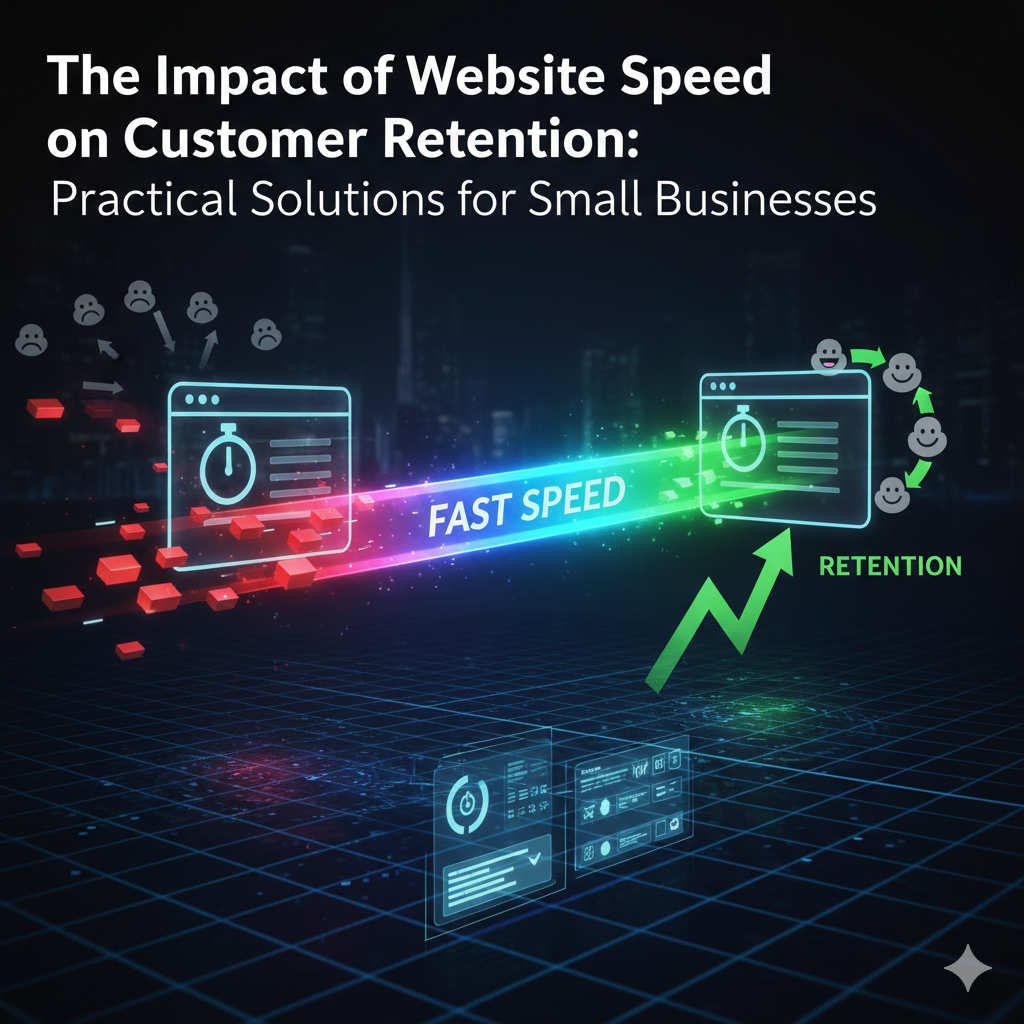
  • The Impact of Website Speed on Customer Retention: Practical Solutions for Small Businesses

    The Impact of Website Speed on Customer Retention: Practical Solutions for Small Businesses

    Understanding the Importance of Website Speed

    In today’s digital landscape, the significance of website speed cannot be overstated. As online consumers grow increasingly impatient, studies have shown that even a delay of just two seconds in page loading time can lead to a substantial increase in bounce rates. A slow website losing customers is a reality that small businesses cannot afford to ignore. Research indicates that 40% of users abandon a site that takes more than three seconds to load. This statistic highlights how critical speed is to user experience.

    Fast loading times do not just enhance user satisfaction; they directly impact conversion rates. When a website operates quickly, it can retain visitors longer, encouraging them to explore more content and ultimately make purchases. Hence, business owners must understand that the speed of their website is a crucial factor in maintaining customer interest. If a small business seeks to improve website speed, it requires both a commitment to website optimization and an understanding of the technological factors involved.

    Moreover, website speed is equally important for SEO ranking. Search engines like Google consider page load time as one of their ranking factors. A slow website can lead to diminished visibility in search engine results, further exacerbating the situation where a slow website losing customers becomes a significant problem. Better website speed for small business can yield higher search rankings, thus increasing organic traffic.

    In conclusion, businesses must prioritize fast loading times to provide users with a positive experience, reduce bounce rates, and improve search engine optimization. The willingness to invest in enhancing website speed will ultimately foster better customer retention and drive sales, positioning the business for long-term success.

    Common Factors That Slow Down Your Website

    For small businesses, a slow website can mean losing valuable customers. Understanding what commonly causes a slow website is essential in ensuring that you take the right steps to improve website speed. One major factor contributing to slow website performance is the presence of large image files. When images are high resolution and not optimized for the web, they can significantly delay loading times. Ensuring your images are resized and compressed will help enhance your website speed.

    Another culprit behind slow website loading is the use of unnecessary plugins. While plugins are useful for adding functionality to your site, too many can lead to performance problems. Every plugin can add extra code that needs to be processed, ultimately slowing down your website. Therefore, it’s wise to audit the plugins you have installed and remove any that are not essential for your business operations.

    Moreover, unoptimized code can contribute to poor website speed for small business owners. This includes excessive JavaScript or CSS that may not be useful. Streamlining your code by eliminating extra spaces, comments, and other non-essential elements can offer significant improvements. Working with a web developer, if necessary, can ensure your website code is as efficient as possible to avoid being one of the many websites suffering from sluggish speeds.

    Lastly, web hosting services play a crucial role in your website’s performance. If your server is slow or not properly configured, your website’s loading times will be affected. Selecting a reputable hosting provider that specializes in fast and reliable service is vital for preventing a slow website losing customers.

    Practical Tips for Improving Website Speed

    For small businesses, having a fast website is crucial, as a slow website can lead to losing customers and diminished user experience. Fortunately, there are several practical, non-technical strategies that can be easily implemented to improve website speed.

    One effective approach is to optimize images. Large images can significantly slow down your website; hence, it is essential to compress them without compromising on quality. Various tools are available that can help in resizing images appropriately, allowing for quicker load times while maintaining visual appeal.

    Another valuable technique is leveraging browser caching. By enabling caching, your website can store certain files locally on a user’s computer, which reduces load times on return visits. This not only improves the user experience but also enhances website speed for small business customers who are likely to revisit your site.

    Minimizing redirects is also imperative. Each redirect adds additional HTTP requests, which can significantly hinder your website’s loading time. By reviewing and eliminating unnecessary redirects, you can provide a smoother navigation experience for users, thereby decreasing the risk of a slow website losing customers.

    Lastly, selecting the right hosting provider is critical. A quality hosting service can drastically improve your website speed. When choosing a provider, consider their uptime performance, server locations, and the technologies they use. A reputable hosting service will directly impact how quickly your website loads, which is vital in today’s fast-paced digital environment.

    By implementing these straightforward tips, small businesses can greatly enhance their website speed, ensuring they retain customers and provide a satisfactory browsing experience.

    Conclusion and Call to Action: Take Charge of Your Website’s Performance

    In today’s digital marketplace, the speed of your website plays a critical role in determining customer retention rates. A slow website losing customers is a common challenge that small businesses face, often resulting in lost sales and diminished brand loyalty. Understanding why your website is slow is the first step towards addressing these issues effectively. Factors such as unoptimized images, excessive plugins, and server response times can significantly impact website performance.

    Improving website speed is not just a technical concern; it is an integral part of your customer experience strategy. Customers expect fast-loading pages, and a delay of just a few seconds can lead to increased bounce rates. Businesses that prioritize website speed for small business initiatives often see positive results in customer engagement and conversion rates. Therefore, taking proactive measures to enhance your website performance should be a top priority.

    Small business owners are encouraged to conduct regular speed tests and identify areas for improvement. Utilizing tools like Google PageSpeed Insights can provide valuable insights into how your website is performing and what specific changes can be made. If the technical aspects seem overwhelming, consider seeking professional assistance to ensure your website is optimized effectively. Harnessing the power of efficient web performance can pave the way for better customer retention and overall business success.

    Taking these steps not only improves your website’s speed but also contributes to creating a seamless and satisfying experience for your visitors. By prioritizing website speed, you can significantly enhance your potential for growth and customer loyalty. Now is the time to take charge of your website’s performance and reap the benefits of a faster, more customer-friendly online presence.